
IPTV Ireland — Flexible Plans & 24-Hour Trial
Compare IPTV Ireland plans for 3, 6, 12 or 24 months with 1, 2 or 3 simultaneous connections.
Check the channels and devices that matter to you, then try the service on your own connection before subscribing.
What to Check When Comparing IPTV Providers in Ireland
Start with the TV or device you actually use, then list the programmes you would miss if they were unavailable. When comparing IPTV providers Ireland-wide, ask about those specific channels and devices. A clear answer about your own setup matters more than the overall size of a catalogue.
Compare the price for the full subscription period and the number of devices included. If two people usually watch different things at the same time, compare two-device plans. If you mostly switch between a TV and a tablet, one connection may suit you. Use the IPTV Ireland trial to test the combination you expect to use most often.
Explore plans, channels and setup guides.
Compare available durations
Check what you want to watch
Get ready with IPTV Ireland on your compatible device
Why Choose IPTV Ireland Fast?
Subscription options
Choose a subscription duration and the number of devices you want to watch on at the same time.
Check before you choose
Check the channel list and test playback on your own device with a free 24-hour trial.
Setup guidance
Follow the setup guide for your device, or contact support with your player name if you need help.
Compare Subscription Plans
IPTV Ireland subscriptions start at €29 for 3 months on 1 device. Choose your duration and how many devices can stream at once. When your plan ends, contact us if you’d like to renew.
Watch on your selected number of devices at the same time
3 Months
No automatic renewal
- Live TV access
- Films & series
- TV guide (EPG)
- Device setup guides
- Customer support
6 Months
No automatic renewal
- Live TV access
- Films & series
- TV guide (EPG)
- Device setup guides
- Customer support
12 Months
No automatic renewal
- Live TV access
- Films & series
- TV guide (EPG)
- Device setup guides
- Customer support
24 Months
No automatic renewal
- Live TV access
- Films & series
- TV guide (EPG)
- Device setup guides
- Customer support
Not sure which plan fits? Compare subscription options
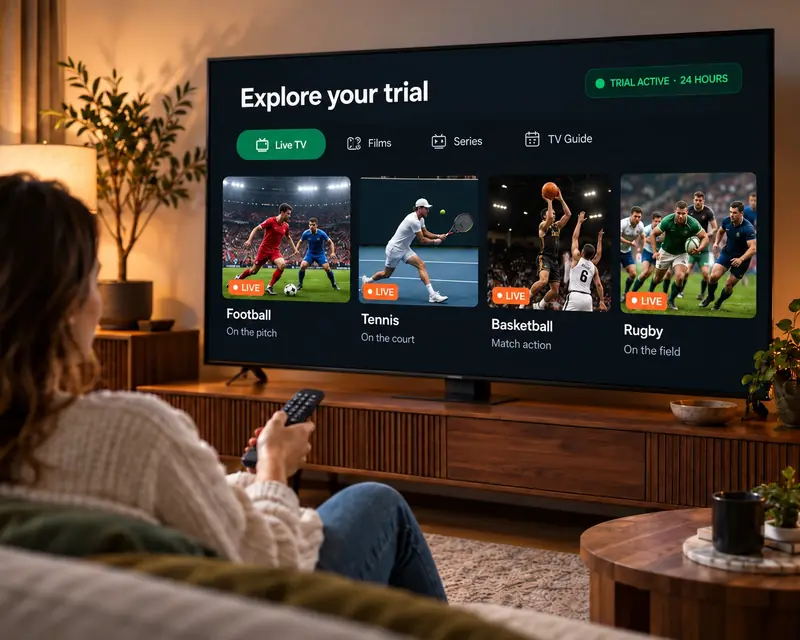
Try IPTV Ireland Free for 24 Hours
Use the free 24-hour IPTV Ireland trial at the time you normally watch. If you mainly watch in the evening, test during the evening on your usual broadband connection. Switch between a few channels, reopen the app and try the remote or other controls you use every day.
Pick a few things to check before you start. You might want to see whether your preferred channel loads, whether the TV guide makes it easy to find what is on, and whether the app is comfortable to use from the sofa. If a feature matters to you, try it during the trial and ask support about anything you could not check.
- Check your device setup
- Explore available content
- Decide before subscribing
Live TV, Sport and On-Demand Viewing
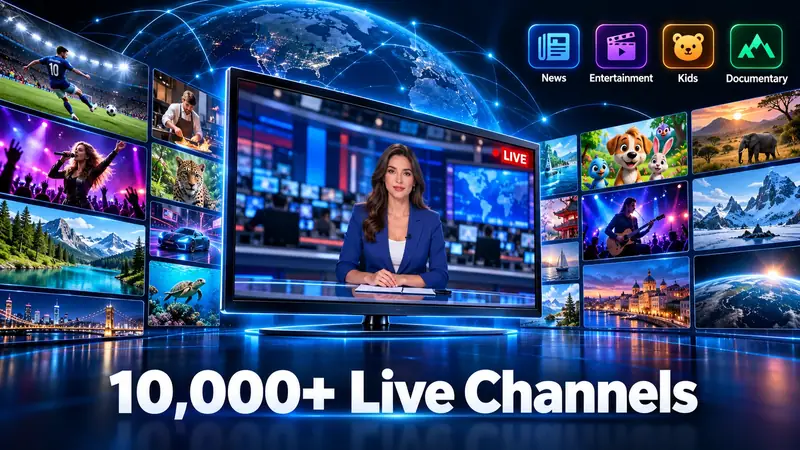
Browse the IPTV Ireland channel list for the live TV, sport, films and series you want to watch.


Check Your Device Compatibility
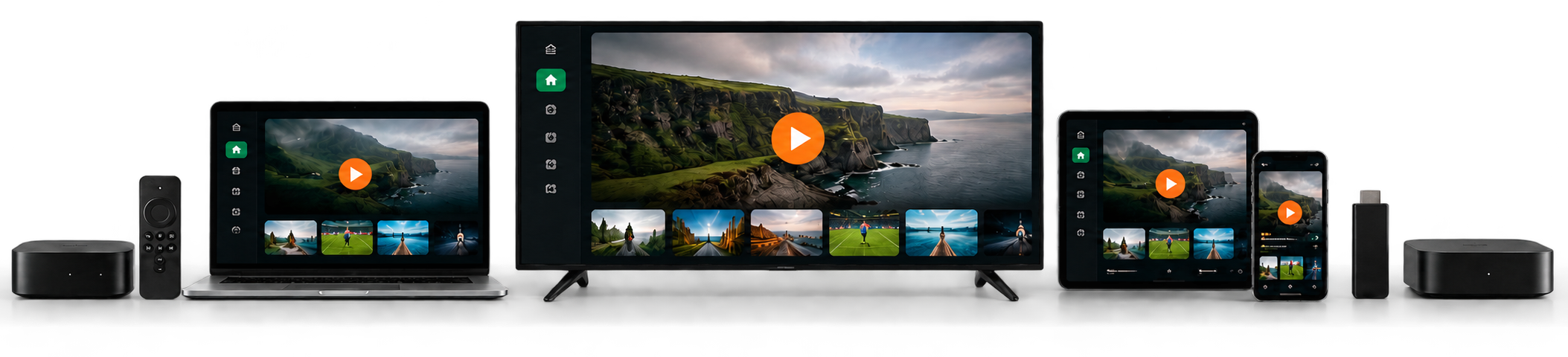
Watch IPTV Ireland Fast on your Smart TV, streaming device, phone, tablet or computer. Explore compatible players and setup guides for the screen you prefer.
Find the Right Setup for Your Device
See which player to use and follow the setup steps for your device before getting started.
IPTV Players and Setup Guides
An IPTV player is the app you use to open your subscription on a compatible device.
The player and the subscription are separate. Some apps may require their own licence.
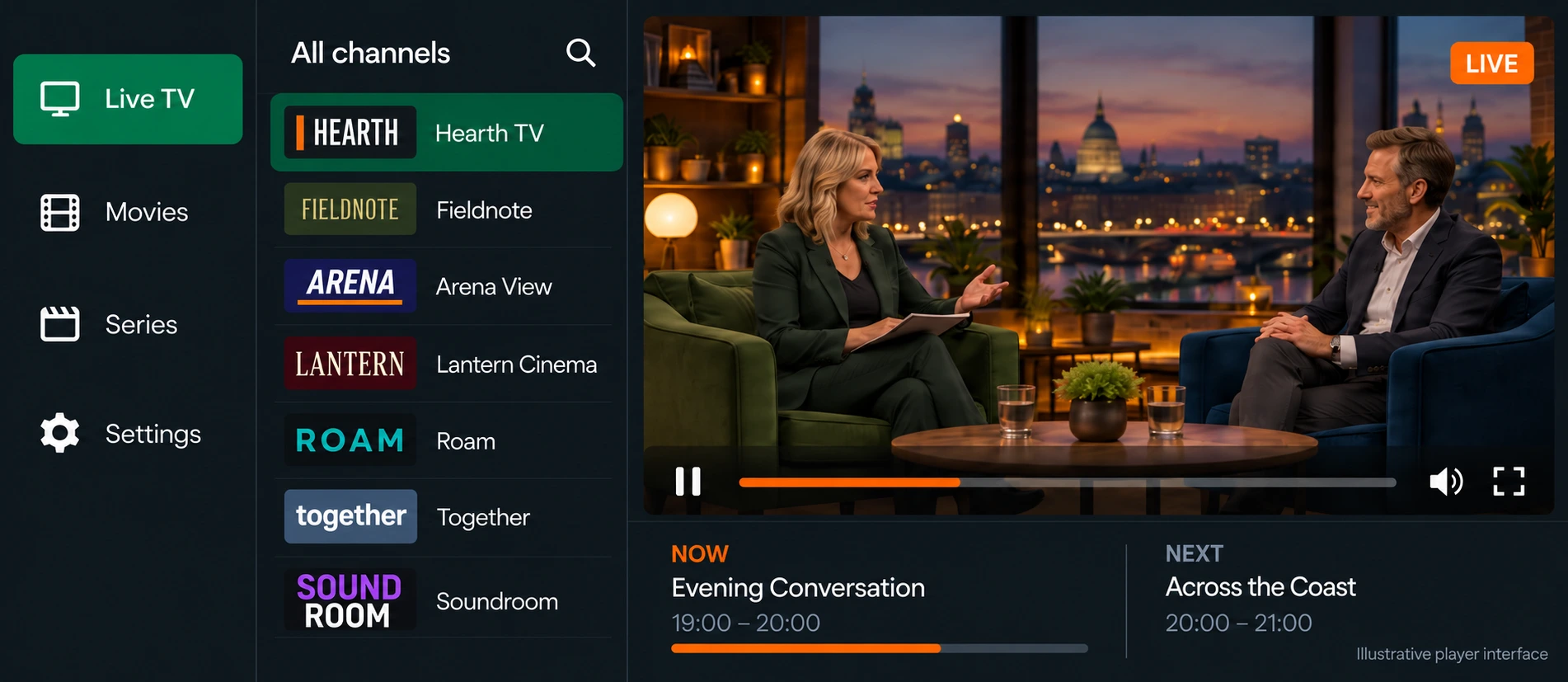
Choose a player
Find an app suited to your device.
Add your details
Enter the subscription details supplied to you.
Follow the guide
Use the setup instructions for your device and app.
How to Order and Get Started
Choose your IPTV Ireland plan, order via WhatsApp and follow the setup guide for your device.
Choose your plan
Select your duration and number of simultaneous devices.
Complete your order
Message us on WhatsApp for payment instructions.
Receive your access details
Get your subscription details after confirmation.
Set up and start watching
Use the guide for your device and chosen player.
What You Need Before You Start
Check these essentials before setting up IPTV Ireland Fast.
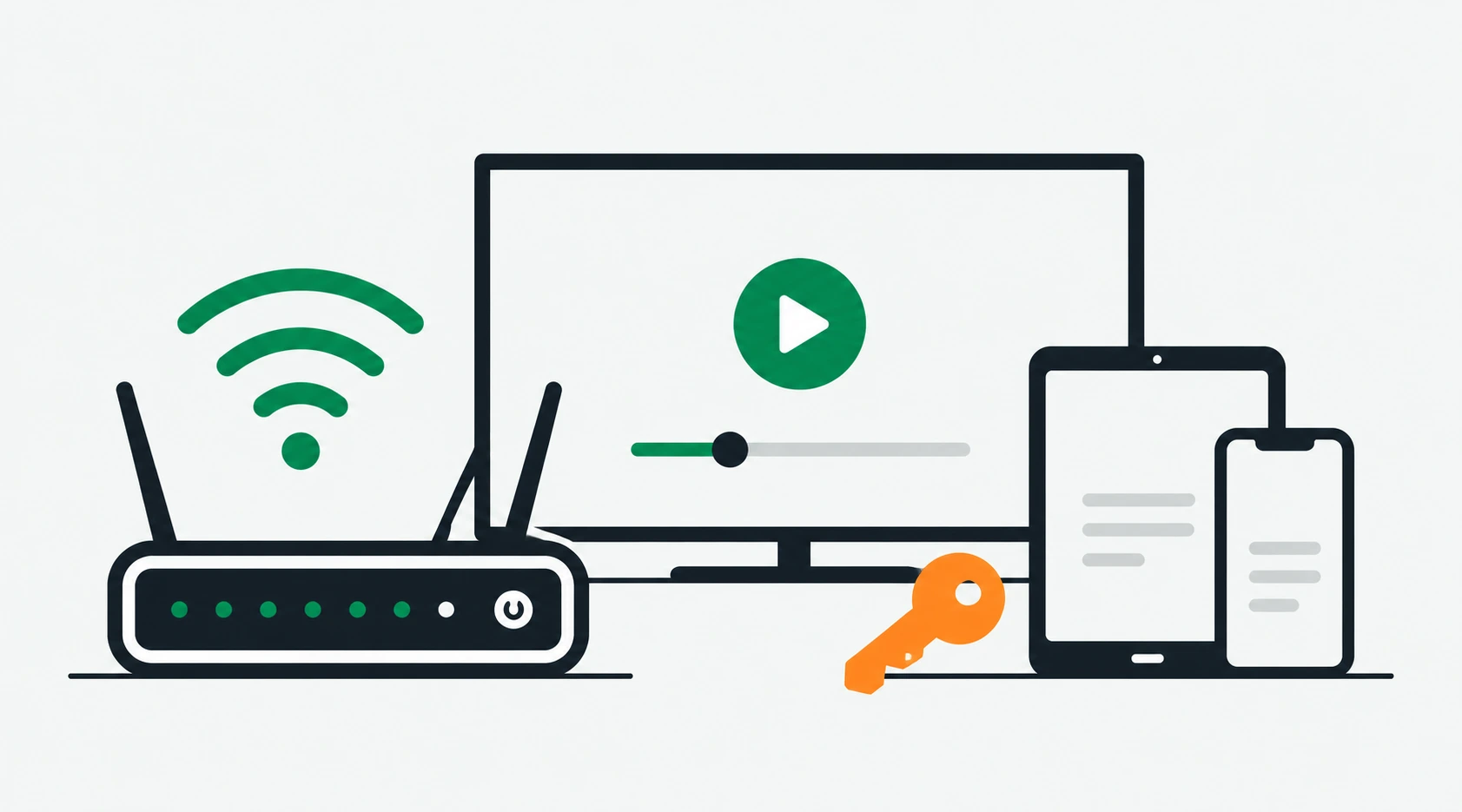
Stable internet connection
Use a reliable connection where you plan to watch.
Compatible device
Choose the TV, phone, tablet or computer you will use.
Suitable IPTV player
Install an app that supports your device and subscription.
Subscription details
Keep your access details ready for the setup guide.
Connection stability matters as well as speed. Test on your own network before choosing a plan.
Setup and Subscription Support
Our IPTV Ireland support team is available 24/7 for help with setup, playback or renewals.
24/7 Support
Still need help? Share your device, app and error message so our team can understand the issue.
Setup guidance
Install a suitable player and add your subscription details. Follow the guide for your device and app.
Playback troubleshooting
Check your connection, access details and app settings. Find answers to common playback questions before changing your setup.
Questions about IPTV Ireland?
Find answers about subscriptions, device connections, trials and setup.
01What is IPTV and how does it work?
IPTV delivers television over an internet connection. On a compatible device, you use a player app to open the access details supplied with your subscription. The app is what you interact with when you change channel, browse the guide or select a programme.
When getting started with IPTV Ireland, separate the choice of device from the choice of player. Your television or streaming device determines which apps you can install. The app then needs to support the type of access details you receive. If you already have an app, check that it works with the service first. Keep any login details private and enter them only in the player you intend to use.
02Which subscription durations can I choose?
IPTV Ireland plans run for 3, 6, 12 or 24 months. The 3-month plan for one device starts at €29. Compare subscription plans by duration and the number of devices that can stream at once, then check the total shown on the card for your selection.
Choose the device tab before comparing the different durations. This lets you compare plans with the same number of simultaneous connections. If you want to continue after your plan ends, contact us to renew manually. Your plan does not renew automatically. If your household needs a different number of connections by then, you can ask about the available options when you get in touch.
03Can I watch on more than one device at the same time?
Yes. IPTV Ireland plans offer one, two or three simultaneous connections. A simultaneous connection is a stream that is playing at the same time as another one. For example, if one person watches the living-room TV while another watches on a tablet, that is two streams.
Think about the busiest viewing time in your home. A household that watches together most nights has different needs from one where several people watch different programmes at once. If you usually stop watching on one screen before starting on another, check whether one connection fits the way you watch. Ask support if you need to confirm how your chosen player handles switching devices.
04Can I try the service before subscribing?
Yes. Request a free 24-hour trial to test IPTV Ireland before choosing a subscription. For a useful first test, install a suitable player on the device you plan to use and have your usual internet connection ready.
Once you have the trial details, open the app and play a channel you are familiar with. Then switch to a different channel and try anything else you use regularly, such as navigating the guide. If something goes wrong, record the device model, player name, channel and any error message. Share those details with support so we can help you identify the next step before you decide whether to subscribe.
05Which devices can I use?
You can use compatible smart TVs, streaming devices, phones, tablets and computers with a suitable IPTV player. To check your IPTV Ireland setup, start with the device model and operating system. Check device compatibility and look for a player that supports the way you will receive your access details.
On a TV, check which apps are available in its app store. Availability can vary by model and software version. If you normally watch through a streaming device connected to the TV, check the app store on that device. It determines which player you can install. If you plan to watch on a second screen, check that device separately.
06Is an IPTV player included with my subscription?
The player app and your IPTV Ireland subscription are separate. Some players are free, while others require a separate licence or charge for particular features. Check the app’s own terms for any cost and what it covers before paying for a player.
If you already use an app, look at the setup options it offers. Some players accept an M3U playlist, some use Xtream Codes details and some use a device identifier for activation. The method you need depends on the player and the access details supplied for your setup. Our setup guides can help you identify which fields to use.
07How can I check which channels are available?
Browse the channel list before subscribing. If a particular channel or programme matters to you, write down its exact name and ask about it when you request your IPTV Ireland trial. Use the trial to see how easily you can find and play it on your chosen device.
Check any features that affect how you watch. A programme listing in the TV guide helps you see what is scheduled. Catch-up, subtitles and audio options are separate features and can depend on the content and player. If you rely on one of them, test it on a channel you actually watch or ask support what is available.
08How do I set up my subscription?
After you receive your IPTV Ireland access details, follow the setup guide for your device and player. Add the details using the matching option in the app. If the player reports a login error, check for extra spaces or a missing part of the server address before changing any other settings.
If you can sign in but playback fails, try another channel and note whether the issue affects one stream or several. If possible, try the same device nearer your router to see whether Wi-Fi makes a difference. Our 24/7 support team can help if you share the device, player and exact error. Keep your password out of screenshots.
09What should I check when comparing IPTV suppliers in Ireland?
Compare the channels you want to watch, device compatibility, total price and the number of simultaneous streams. Trial and renewal terms vary among IPTV suppliers Ireland-wide. Ask whether a player licence is separate and how you would renew the plan after it ends.
For IPTV Ireland plans, the card shows the subscription price for the selected duration and number of devices. If you are comparing that amount with another offer, use the same subscription period and stream allowance. Check the advertised trial length and how you request it. Those details give you something concrete to compare before choosing a plan.
10How do I choose the best IPTV service in Ireland for my needs?
Start with your viewing routine. A useful checklist includes two or three must-have channels, the main device you will use and the number of people likely to watch at once. Before buying an IPTV Ireland subscription, use your checklist to pick a device tab and a plan duration.
Use a trial to answer the questions you cannot settle by reading a plan card. If you mostly use a TV remote, try browsing and changing channels from the sofa. If you mainly watch on a tablet, test playback where you usually sit. Once you have checked playback, the available content and the ordering terms, you can choose a duration with a clearer idea of how the service will fit your home.
Get More from Your IPTV Ireland Setup
Explore practical guides to choosing a player, setting up your device and checking your connection.
Follow the setup steps for your TV, streaming device, phone or computer.
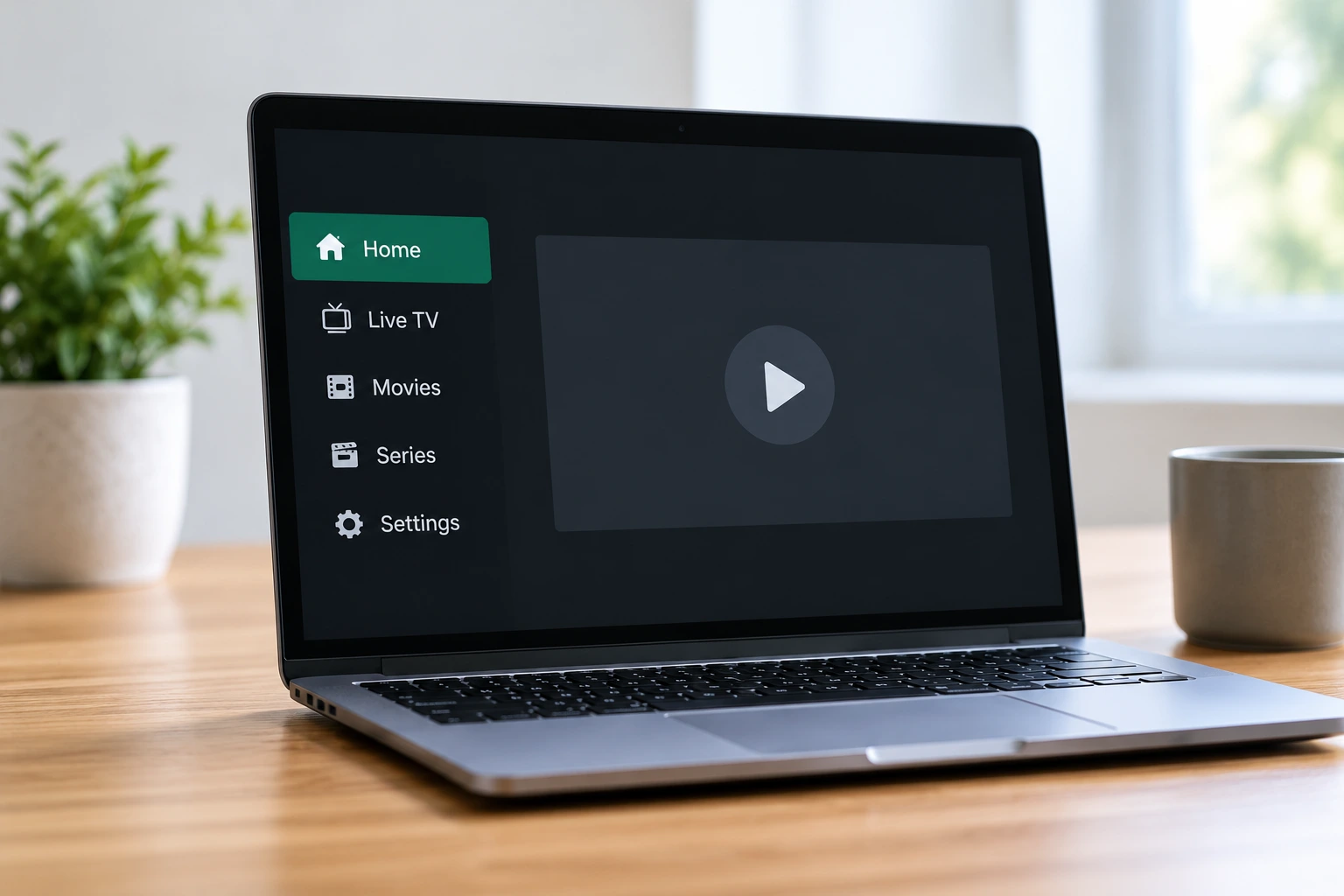
Understand what to check when choosing an app, including compatibility and any separate licence.
Work through connection, Wi-Fi and app checks to help identify playback issues.
Ready to Choose a Plan?
Compare IPTV Ireland subscription durations and choose how many devices you want to watch on at the same time.
Prefer to try it first? Request a free 24-hour trial.