
Compare IPTV subscription plans in Ireland for 3, 6, 12 or 24 months. Plans start at €29 for 3 months on one device. Choose up to three simultaneous devices and order via WhatsApp, or request a free 24-hour trial first.
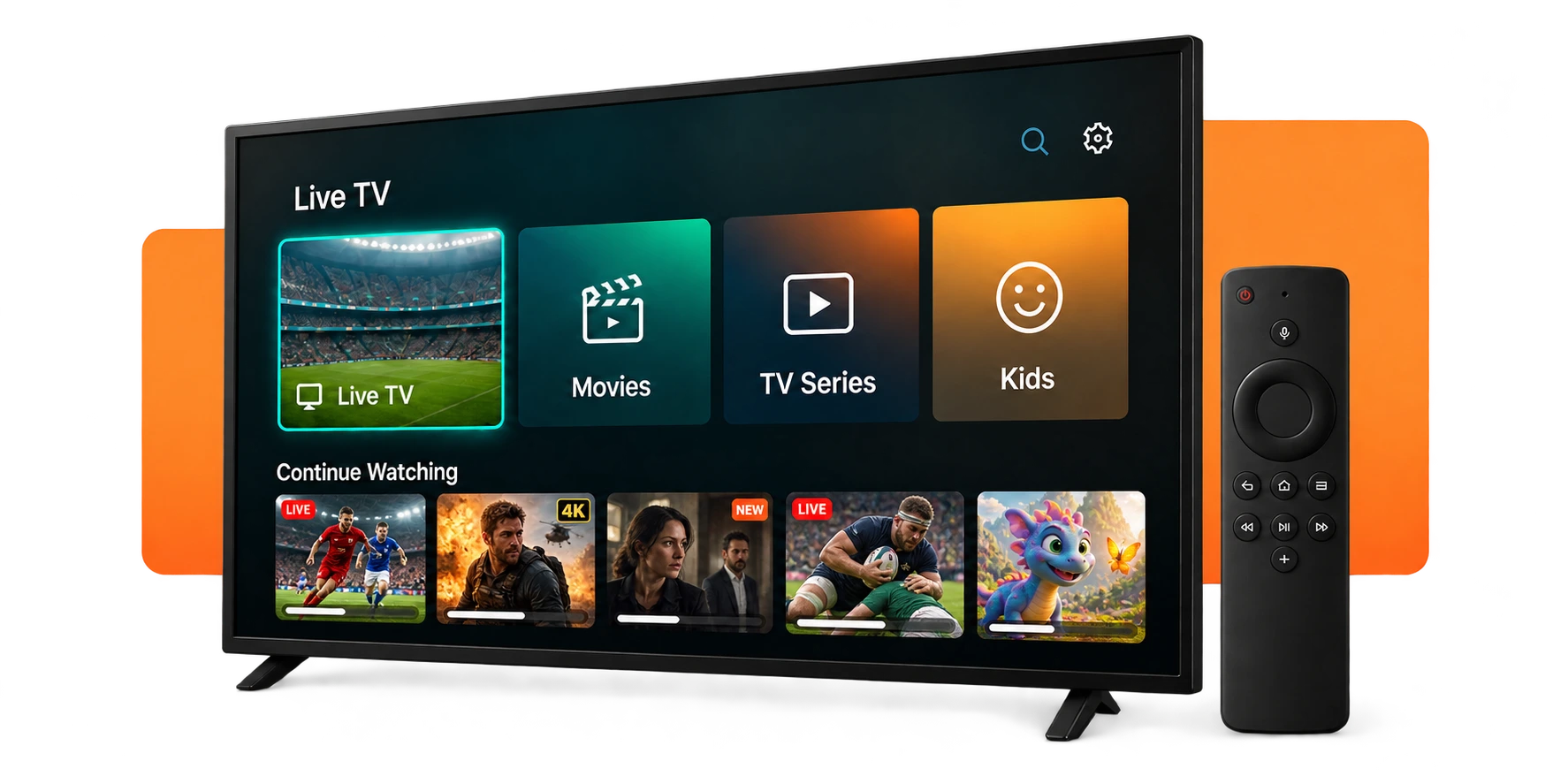
Select the tab for 1, 2 or 3 devices, then compare the total price for each IPTV subscription term. The amount on the card covers the full period shown.
For the 3-month term, the totals are €29 for one device, €39 for two and €49 for three. If you are comparing the IPTV Ireland price across providers, check the full cost for the same duration and number of simultaneous streams. A monthly equivalent can help with comparison, but the total on the card is the amount due for the selected plan.
Watch on your selected number of devices at the same time
One-off payment · No automatic renewal
One-off payment · No automatic renewal
One-off payment · No automatic renewal
One-off payment · No automatic renewal
Watch on your selected number of devices at the same time
One-off payment · No automatic renewal
One-off payment · No automatic renewal
One-off payment · No automatic renewal
One-off payment · No automatic renewal
Watch on your selected number of devices at the same time
One-off payment · No automatic renewal
One-off payment · No automatic renewal
One-off payment · No automatic renewal
One-off payment · No automatic renewal
Want to try the service before choosing an IPTV subscription? Request a free 24-hour trial.
Your IPTV subscription runs for the period you select. Start with three months for a shorter commitment or compare the six-, twelve- and twenty-four-month totals if you expect to keep the same setup.
Plans do not renew automatically. When your term ends, message us if you would like to renew or discuss a different device allowance.
A one-device IPTV subscription covers one active stream at a time. Choose two or three devices if people in your household regularly watch on different screens at the same time.
For example, a TV in the living room and a tablet in the kitchen use two simultaneous connections when both are playing. Choose based on when people actually watch.
Check the setup notes for your device and the player you intend to use. The player is the app you open to watch, while the IPTV subscription Ireland provides the access details.
If your TV app store has limited choices, check whether a compatible streaming device you already own would suit your setup. Our team can help you find the relevant guide before you order.
Start with the number of streams your household needs during its busiest viewing time. Then choose the subscription length that suits your budget and how long you expect to use it.
If you are setting up several screens for the first time, confirm that each device can run a compatible player. Test the main screen before choosing a longer term, especially if you have recently changed your TV, player or broadband connection.
Compare prices within the same device tab to see how much each term costs upfront. On one device, a 12-month IPTV subscription is €69 in total and a 24-month plan is €85 in total. The longer term makes sense when you expect to use the service for that full period.
If you prefer a lower initial payment, start by comparing the three- and six-month options. You can discuss your next term with us when your current period ends.
Simultaneous devices are screens actively streaming from the same IPTV subscription at the same time. Installing a player on a device does not tell you how many streams your plan allows.
Think through a typical evening. If one person watches in the living room and another starts a stream on a phone, compare the two-device plans. If a third person regularly watches on a separate screen at the same time, use the three-device tab. If everyone normally watches together or takes turns, one stream may be enough.



Check your main device and choose a compatible player before ordering an IPTV subscription. TV app stores, phones and streaming sticks can offer different player choices, even when they are used in the same household.
Start with your exact device model or operating system. Check that the player can be installed and that it accepts the access format used for your setup. If an app has a licence fee, include that cost when comparing your options. Use the device and setup links below for guidance, or contact our support team with the device model and app name.
You can order your IPTV subscription via WhatsApp. Choose a plan first so the message can identify the duration and number of devices you want. If you are unsure which option fits, ask our team before paying.
Select the simultaneous-device tab and choose the duration you want. Check the total price and whether the number of screens matches the way your household watches. Note the main device you will use in case you need setup help .
Choose a plan to open WhatsApp. Tell us if you want a different duration or device count, and follow the payment instructions our team provides. Ask any questions about your IPTV subscription, compatible players or setup before completing payment.
After you receive your access details, follow the guide for your device and player. Enter the information in the correct fields and try playback on your main screen. If you need help getting your IPTV subscription running, send us your device model, the app name and the exact error message, keeping any passwords private.
Check what you want to watch, whether your chosen player has its own fees, and how manual renewal works. These details can help you compare an IPTV subscription ireland on its full cost and make sure it fits the devices you already own.
Review the available channels before choosing a plan. If a specific channel is important to you, ask about it and check it during the trial. Try the channels you are most likely to watch on your actual device and connection.
Some IPTV apps require a separate licence or subscription. Check the app’s own price and licence terms, particularly if you plan to use it on several devices. Confirm that it supports the access format for your IPTV subscription before paying for the app.
Review the subscription terms and refund policy before paying. If you need clarification about the plan duration, number of devices or the process when your plan ends, ask the team on WhatsApp before choosing a plan.
Prefer to test first? Request a free 24-hour trial.
Find answers about IPTV subscription ireland prices in Ireland, simultaneous devices, setup and manual renewal. If you are comparing the 1-, 2- and 3-device options, use the pricing tabs to view the full total for the duration you want.
An IPTV subscription ireland starts at €29 for three months on one device. The total changes with the term and number of simultaneous devices. There are four durations, from three months to two years, and three device allowances.
To compare the plans, choose one device tab and look at the total for each term. For example, the six-month plan for two devices is €69. If you divide the total by six, the equivalent is €11.50 per month. That figure is for comparison. The plan is a single €69 payment for the six-month term.
If you are comparing the IPTV Ireland price with a headline offer elsewhere, check that it covers the same duration and simultaneous device allowance. Include any separate player fee in your comparison if your chosen app charges one. You can message our team to discuss your IPTV subscription before paying.
Compare a second example before choosing a long term. The 12-month totals are €69, €99 and €119 for one, two and three simultaneous devices respectively. If your household needs two streams throughout the year, use €99 in your comparison. Choosing the €69 plan on price alone would leave you with a single stream.
The device allowance tells you how many streams the IPTV subscription can run at the same time. If one person is watching in the living room and someone else starts a stream on a bedroom TV, both count while they are playing.
Think about the screens that are active at the same time, particularly at weekends or in the evening. One person moving between rooms or using a phone at a different time has different needs from two people who regularly watch separately. Compare the device tabs based on that overlap.
If you are between two options, check the price difference for the same duration. You can also ask us how a particular app or device setup would work before you choose your plan.
If you are planning around a shared event, count streams on separate screens. Two people watching one TV use one stream. A third person watching on a separate phone brings the total to two. This is a useful way to decide between device plans without counting every screen or app installed in the house.
A player and an IPTV subscription serve different purposes. The player is the app installed on your device. Your plan provides the access details you use in a compatible player. Some players are free, while others have a separate licence or subscription fee.
Check which players are available for your exact device. A player listed for a phone may have different options from the TV version. If you already own a player licence, check the supported access formats and whether the licence covers the devices you want to use.
If you want to look at a free media player, see VLC from VideoLAN and check compatibility with your device and access format. Our support team can help you understand what to look for in a player before you order.
Yes. Request a free 24-hour trial before choosing an IPTV subscription. Use it on the device and broadband connection you expect to watch on. If possible, test at the time of day you normally watch.
Start with a few channels you care about. Check how the player opens a stream, whether you can switch channels comfortably, and how the controls work with your remote or touchscreen. Run a longer playback test if you want to see how the connection behaves during a typical viewing session.
If you have a problem, note the time, device model, player name and what you were trying to watch. Share those details with our team so we can help you narrow it down. If several screens matter to your household, ask about the device allowance before choosing a paid plan.
Use the trial to decide what to buy. Write down the device and player you tested, any channels you checked and whether you expect anyone else to watch at the same time. When you are ready to order, use those notes to pick your duration and device tab.
Once you receive the access details for your IPTV subscription, follow the setup guide for your device and chosen player. Install a compatible app and select the login or playlist option that matches the details supplied to you.
Enter the details as provided. If the app rejects the login, check the selected login method and any extra spaces before trying again. If the channel list opens but a channel does not play, try another channel and note whether the issue affects both.
If you need assistance, contact our 24/7 support team. Include the device model, the player name and a description of what you see on screen. Keep credentials out of screenshots. This information helps us check the setup with you and suggest the next step.
An IPTV subscription is a one-off payment for the term you choose. It does not renew automatically. When your plan ends, message us on WhatsApp if you would like to renew. Our support team is available 24/7.
If the number of people watching has changed, tell us how many devices you now want to stream on at once. We can discuss the available durations and device allowances so you can decide whether to renew for the same setup or choose a different plan.
For a new IPTV subscription, use the button on your selected plan to open WhatsApp. Confirm the option you want and follow the payment instructions from the team. If you need a setup guide for a new device when you renew, mention the model in the same message.
Choose the term and number of devices you need, then order via WhatsApp. If you want to check playback first, request a free 24-hour trial.
Explore IPTV Ireland Fast with a free 24-hour trial. Compare subscription plans for 3, 6, 12 or 24 months, and find setup guides for compatible devices.
© 2026 IPTV Ireland Fast. All rights reserved.