
This guide covers IPTV channels Ireland viewers can check by viewing category. Browse live TV, sport, family programmes, documentaries, and films and series on demand. If a channel or programme matters to you, ask us about its current availability or check it on your device with a free 24-hour trial.
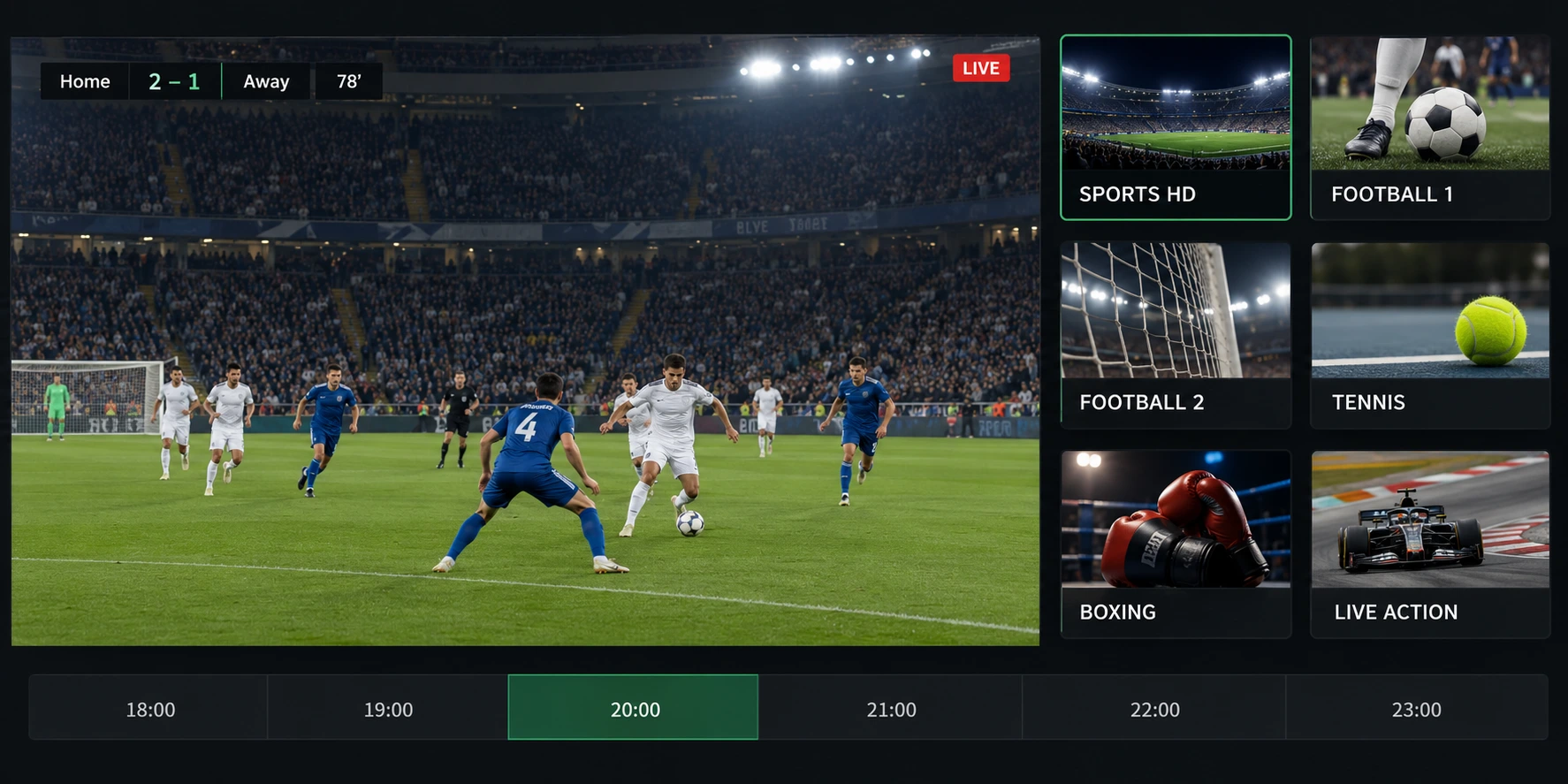


PICTURE QUALITY | LIVE SPORT | PROGRAMME GUIDE
Start with the IPTV channels Ireland viewers use for everyday viewing, such as news, entertainment and lifestyle categories. In your player, use the categories to narrow your search, then open the programme guide where available to see what is scheduled.
When browsing IPTV Ireland channels, put the programmes you watch regularly at the top of your shortlist. You might look for an evening news bulletin, a weekday talk show or a weekend travel series. For each one, write down the channel or programme name and whether you normally watch it live.
If you are comparing an IPTV channel list Ireland viewers found elsewhere, use it as a shortlist and confirm the current names in your own player. Ask about a specific regional feed as well as the channel name if you care about local news or commentary.
Use the news category to check the bulletins and current-affairs programmes you follow. Some IPTV channels Ireland households look for carry regional editions. Ask for the exact feed if the region matters, then check the scheduled bulletin in your player.
If you watch the news at a particular time, open the channel around that time and check the guide entry. A short test can show whether the picture, sound and programme information are easy to follow on your usual screen.

Look through entertainment for the kinds of live programmes you watch, such as talk shows, music performances or variety shows. Search for a familiar title if your player has search, and try browsing by category if the search returns several similar entries.
When trying IPTV channels Ireland viewers can watch for entertainment, check how easily you can switch between a programme and the channel list. For regular viewing, try the same steps with the remote or touchscreen you normally use.

To find IPTV channels Ireland viewers may watch for lifestyle and travel, start with the cooking, home, culture and travel categories. Programme descriptions can help you choose between a practical series and a one-off story. If you want to follow a series, check the guide for upcoming episodes.
An IPTV channel list Ireland viewers can use for planning needs more than category names. If a particular programme is important, check which channel carries it, whether it appears in the guide and when the next episode is scheduled.

Factual programmes can include interviews, investigations and reports on current topics. Browse the description to see whether an item is a studio discussion, a report or part of a continuing series.
When evaluating IPTV channels Ireland readers may want for factual viewing, use a familiar programme as a test. Check whether its title is easy to find and whether the description gives you enough information to decide what to watch.

To check IPTV channels Ireland viewers may want for live sport, start with the fixture or event rather than the category name. Send the event name, date and competition. Include the commentary language or regional feed you prefer if there are several versions.
Use the programme guide to check the scheduled start time where a listing is available. A category can help you browse, while availability for a particular event needs a separate check. During the trial, open a live stream at your usual viewing time and see how picture and sound behave on your connection.
For football, check the team names, competition and fixture date. If you mainly watch post-match analysis or highlights, ask about those programmes separately.
If you are looking for Gaelic football or hurling, give us the competition and fixture you want to check. Look for that specific listing in your player during the trial.
Give the team names and match date when checking rugby. If you want a specific commentary feed, include it in your enquiry.
For a fight night, check the event name and scheduled start time. Ask about the specific bout if it appears on a larger card.
On IPTV channels Ireland viewers test for live sport, watch a stretch with fast movement and listen for audio sync. Picture resolution and smooth motion are separate things to check on your screen.
Check programme times where listings are available. If a fixture is especially important to you, confirm the event and feed before deciding on a plan.
After checking the live IPTV channels Ireland viewers use, look for films and TV series in the on-demand sections of the player. Try looking up a title you know, then browse by genre to see whether the catalogue is easy to use.
While exploring IPTV Ireland channels and on-demand categories, remember that a live television schedule and an on-demand catalogue answer different questions. A live listing tells you when a programme is scheduled. An on-demand entry lets you check whether a title or episode is available to play at the time of your test.
During your trial, pick one film or episode you would actually watch. Test the first few minutes and check the available audio or subtitle options if they matter to you.
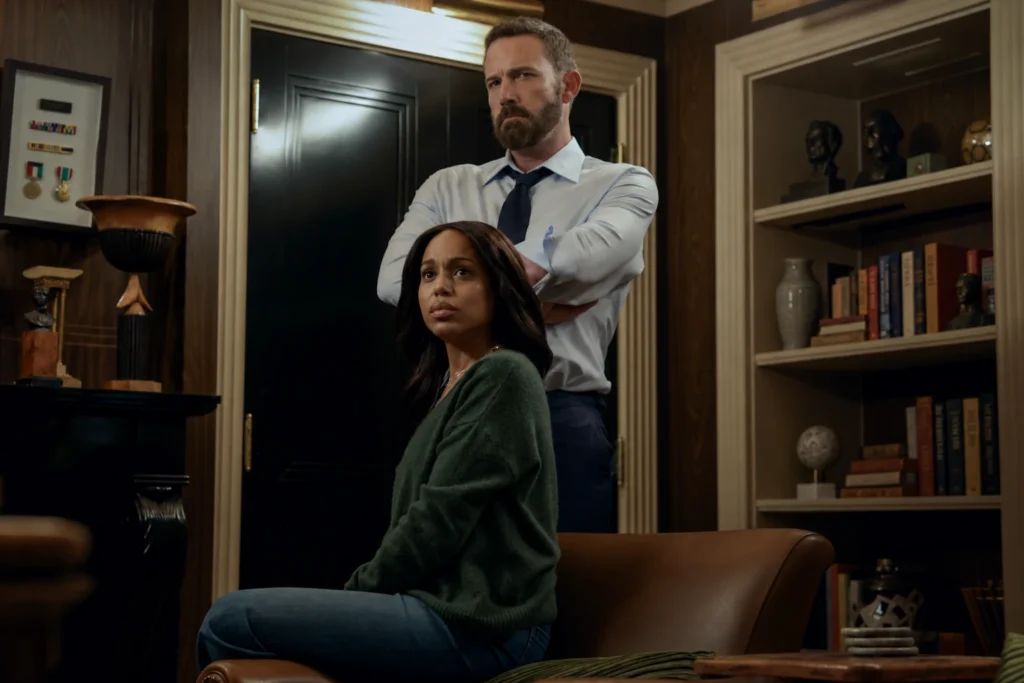
Browse action, comedy, drama or thrillers through the available genres. If a film comes in more than one version, check the description and language before choosing.
For a practical test alongside the IPTV channels Ireland viewers can explore, try opening a film, pausing playback and returning to the category. This shows whether the controls suit your remote or touchscreen.

For a series, look up the title and check the season and episode numbers. If you are already watching a series elsewhere, compare the next episode you want with the entries you can actually open.
When you try IPTV channels Ireland viewers can browse alongside series, switch back to live TV afterwards. Notice whether the player makes it easy to move between the channel list and the catalogue.
Action • Drama • Comedy • Thriller
Explore categories for children’s programmes, family viewing and documentaries. On IPTV channels Ireland households may share, read the programme descriptions and choose titles that suit the people watching.
Before sharing access with children, check which parental controls your particular player supports and how they behave on the device you use. If the app can restrict certain categories, test the setting yourself before relying on it. Keep any PIN private.
Look through the children’s categories for shorter programmes or familiar types of stories. Check the language, description and any available age information on the screen before selecting a programme.


If several people use the IPTV channels Ireland households can check during a trial, choose a film or programme in advance and check that it can be opened on the television you intend to use. A trial is a chance to see if the app is easy for everyone to navigate.
For documentaries, try a topic such as wildlife, science or history. Check whether the programme is a single film or part of a series, and whether any episode you want is available.
When checking IPTV channels Ireland viewers can use for documentaries, listen briefly to the narration and check captions if you rely on them. Options can differ from one title to another.

For IPTV channels Ireland viewers can test at home, picture quality depends on the stream source, device, player and connection. Try your usual screen at the time you normally watch. If two streams look different, check what quality your player reports for each one.
The programme guide is a separate feature. Where listings are available, it helps you find the current programme and see what is coming up. The schedule and replay options should each be checked if you rely on them.
The resolution labels below show common picture sizes. Which format you can watch depends on the channel or title, the source and your setup. Ask about a specific stream if picture quality is important to your choice.
When testing IPTV channels Ireland viewers may use for live sport, choose a fast-moving sequence and check the motion, audio sync and how quickly playback settles. If motion looks uneven, try another channel on the same device before changing settings.
The electronic programme guide (EPG) shows programme times where listings are available. Check the current and next entries for the channels you watch most.
An IPTV channel list Ireland viewers use to check availability serves a different purpose from the guide. The list helps identify channels. The EPG helps you plan viewing, while catch-up depends on whether replay is offered for the particular programme.
18:00
19:00
20:00
Evening Update
World Report
Daily Review
18:00
19:00
20:00
Match Preview
Live Coverage
Highlights
18:00
19:00
20:00
Studio Show
Evening Special
Late Show
The schedule above illustrates how IPTV channels Ireland viewers look up can appear in a player. During your trial, use the listings shown in your own player and check your device’s time settings if the schedule appears out of sync.
Watch IPTV channels on your Smart TV, streaming device, phone, tablet or computer using a compatible player. Before subscribing, check that your device supports the player you plan to use. Our Compatible Devices page and Setup Guides explain how to get started. Using VLC on a computer? Follow the official guide to opening a network stream.
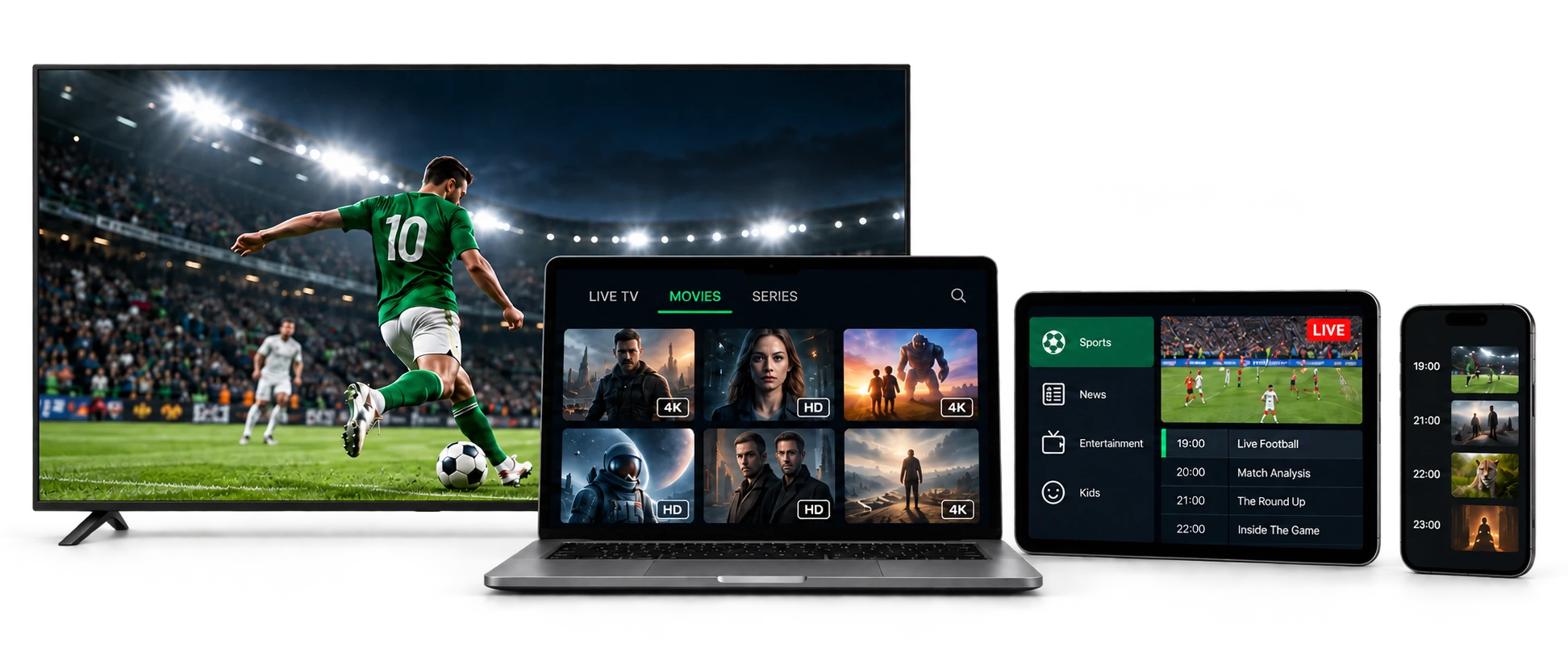
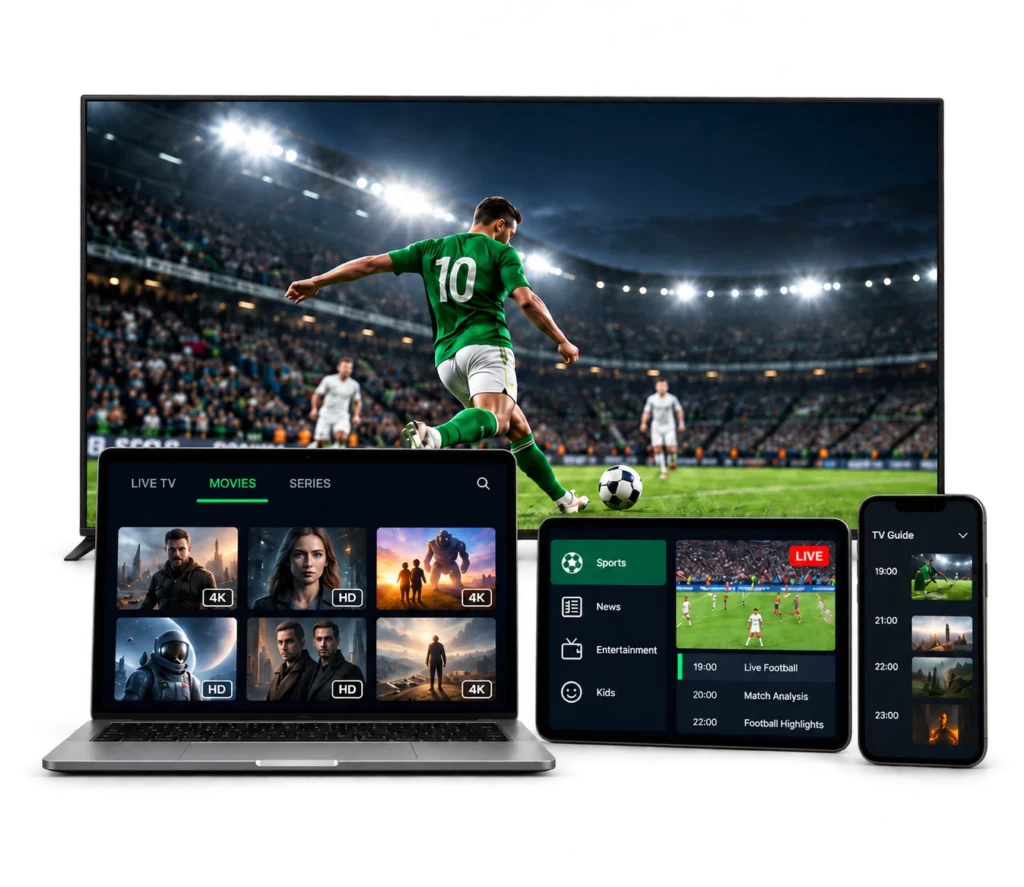
Use a free 24-hour trial to check the IPTV channels Ireland viewers are interested in on a device and broadband connection you already use. Request it via WhatsApp with your device model and player name. The offer is one trial per customer, on one device.
When checking IPTV Ireland channels, open a few channels at your usual viewing time. Check the picture, sound, loading time and programme listings. If you have an issue, note the channel, time and any error message so you can describe it accurately.
If the service suits your viewing, compare subscription plans by duration and simultaneous devices.
These answers explain how to check IPTV channels Ireland viewers may want before subscribing, including specific content, picture quality, programme listings and device compatibility.
The IPTV channels Ireland viewers can explore are grouped in this guide by viewing category. Use the sections above to see the types of content to check, from live TV and sport to family programmes, documentaries, films and series.
This page describes categories. If you need a specific broadcaster, programme or regional edition, ask about its current availability. Then use your trial to see whether it works on your usual screen and connection.
Ask about the event you want, whether that is football, rugby, Gaelic games or boxing. The name of the sport is a starting point. The competition, fixture date and desired feed help us check your request.
While trying IPTV channels Ireland viewers may watch for sport, test a stream at the time you normally watch. Check commentary, sound and picture during live action. If you mainly want highlights or post-match discussion, check those listings as well.
Check picture resolution and motion separately when testing IPTV channels Ireland viewers can access on their device. Compare the channels you watch most and see which formats are available in your player.
If one stream pauses, check another on the same device and note whether the issue affects both. You can share the player name, channel and time with support to help narrow down the issue.
The guide shows scheduled programmes for supported channels. To see whether a programme can be replayed, check the catch-up option in your player for that programme. A schedule entry alone gives you the broadcast time.
When checking IPTV Ireland channels, open the guide for the channels you watch regularly. Look for useful programme descriptions and times. If a past programme is important to you, ask about replay availability before you subscribe.
To test the IPTV channels Ireland viewers want on a particular screen, use a compatible player on that device. This could be a smart TV, streaming device, phone, tablet or computer. Start with our compatible devices guide if you need help choosing an app for your model.
If your television uses a separate streaming stick, give the stick’s model when requesting a trial. The device that runs the player determines which app and setup steps apply.
Yes. Request a free 24-hour IPTV trial via WhatsApp. Send your device model and player name, and tell us which IPTV channels Ireland viewers in your household want to check.
Test those IPTV Ireland channels first, then browse the other categories. If you decide to continue, use the subscription plans page to compare durations and the number of devices that can stream at once.
If you are looking for an IPTV channel list Ireland households can use before ordering, start with the channels that are essential to you. Message us the exact names of the IPTV channels Ireland viewers in your household want, along with the preferred language and regional versions. Include the date if your request concerns a particular live event.
The IPTV channels Ireland viewers want to confirm can vary from household to household. One person might need a regional news bulletin, while another might prioritise a particular fixture or a programme with subtitles. Tell us which of those details matter so we can check the specific feed or title.
Use your free 24-hour trial to search for the channels you asked about. Open them on your chosen device and check audio, picture and loading times. A successful playback test gives you information about that channel on your setup. Repeat the check for any other channel that matters to you.
If a channel in an IPTV channel list Ireland viewers shared with you has a different name or region in your player, note what the player shows and contact us before ordering. Once your checks are complete, review the subscription options separately.
Compare IPTV subscription plans for 3, 6, 12 or 24 months, with options for 1, 2 or 3 simultaneous devices. Choose the combination that fits your household.
Explore IPTV Ireland Fast with a free 24-hour trial. Compare subscription plans for 3, 6, 12 or 24 months, and find setup guides for compatible devices.
© 2026 IPTV Ireland Fast. All rights reserved.