
Request a free 24-hour IPTV trial in Ireland via WhatsApp. Send your device model and player name, then test playback on your usual connection before choosing a subscription.
One trial per customer, on one device.
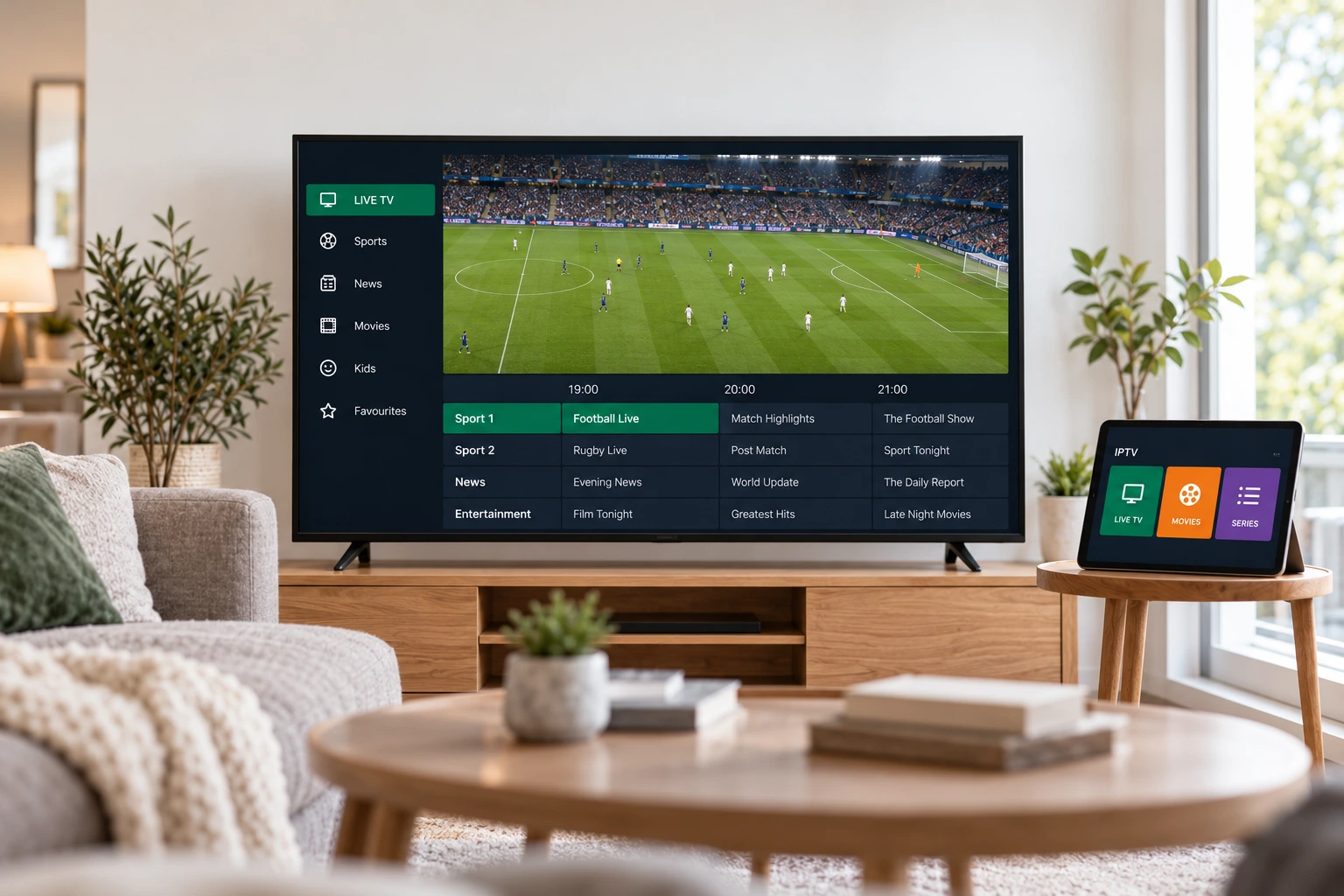
Make sure everything works on your screen and connection.
Browse live channels and the programme guide.
Use your preferred device and app during the trial.
Use your IPTV free trial to see how the service works on the screen you plan to watch on. Open live channels, look through the on-demand catalogue and try the programme guide where available.
For an IPTV trial Ireland viewers can use to evaluate their own setup, the most useful test is a normal viewing session. Use your usual remote or touchscreen, sit where you normally watch, and give yourself time to move around the player. Write down anything that would affect your decision to subscribe.
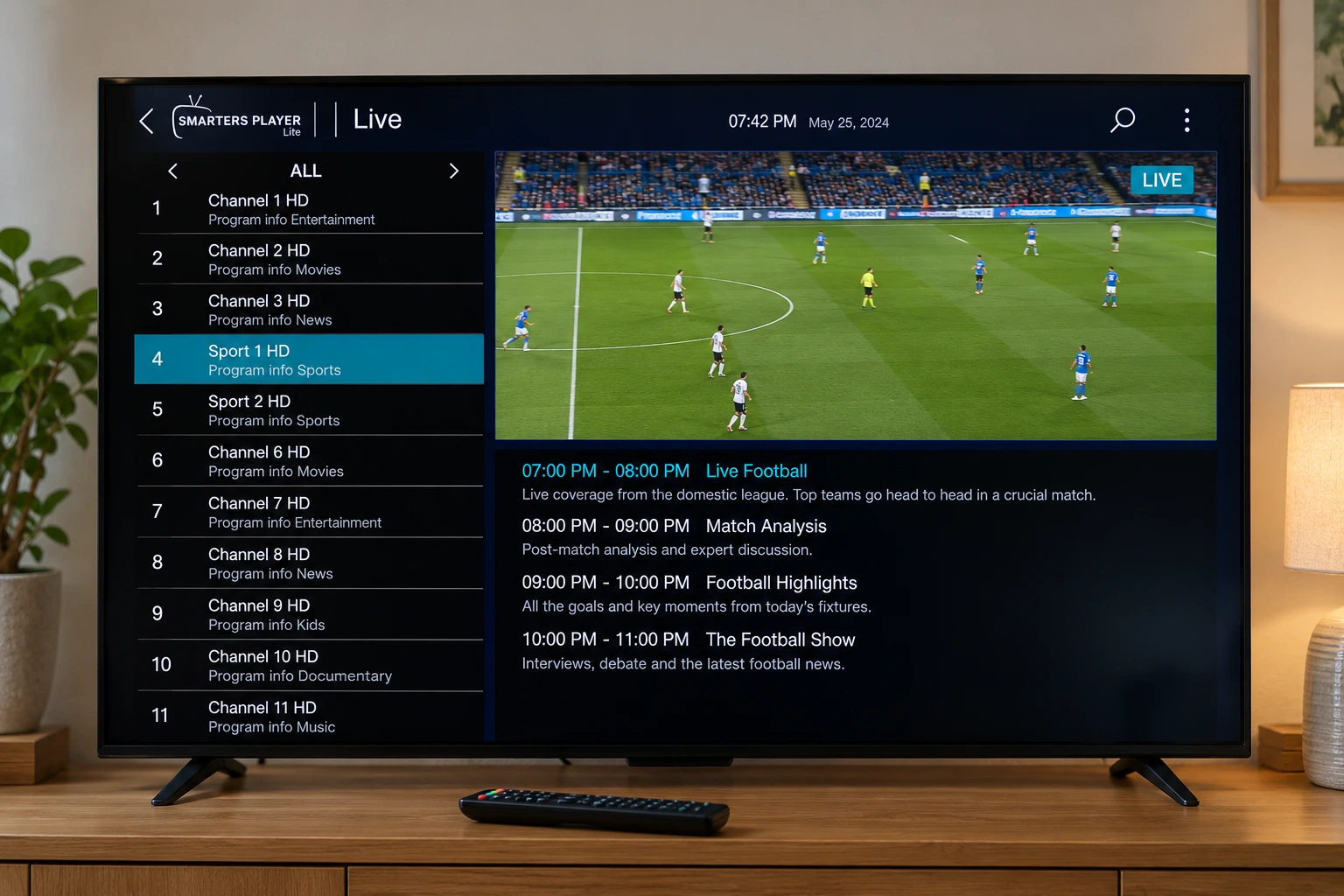
Try live channels and sports playback on your chosen screen.
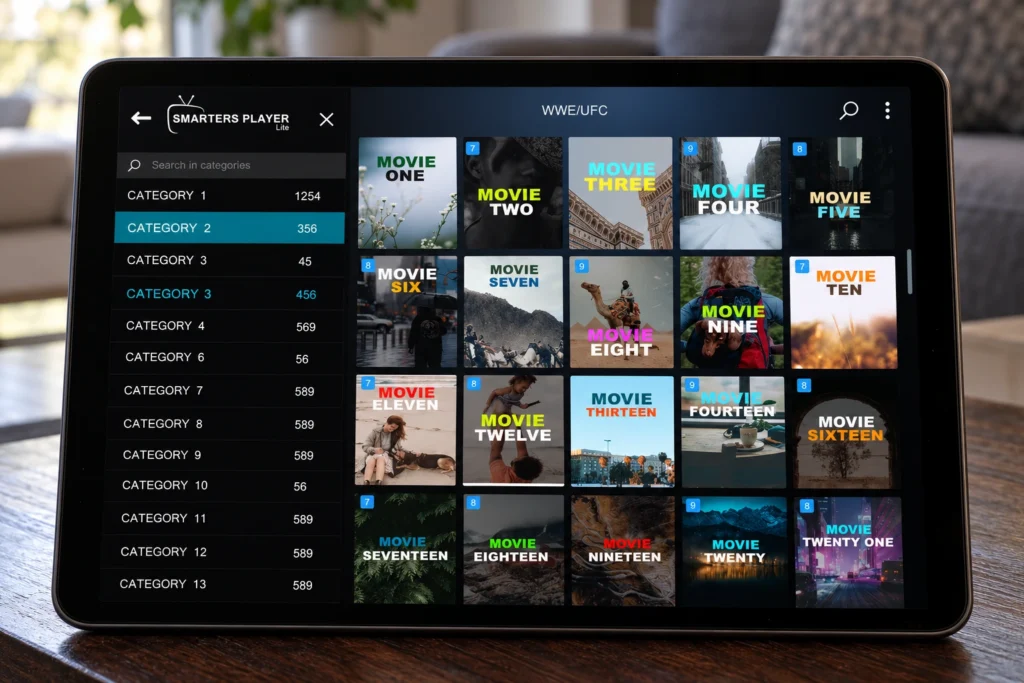
Browse on-demand films and series in your player.
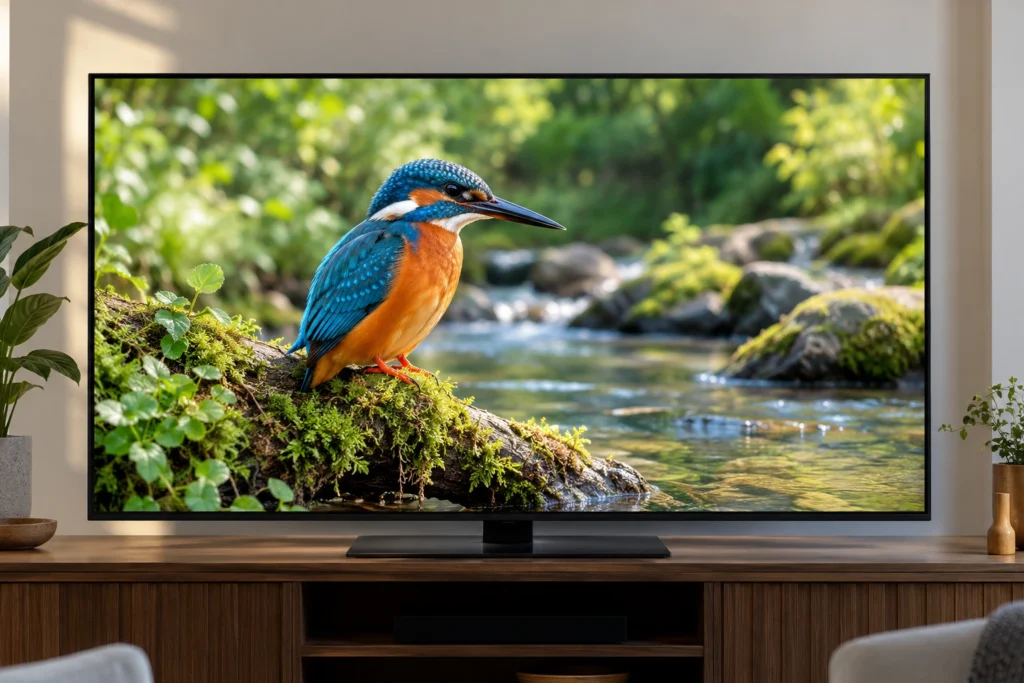
Check picture quality on your own screen. Available resolution depends on the source, device and internet connection.
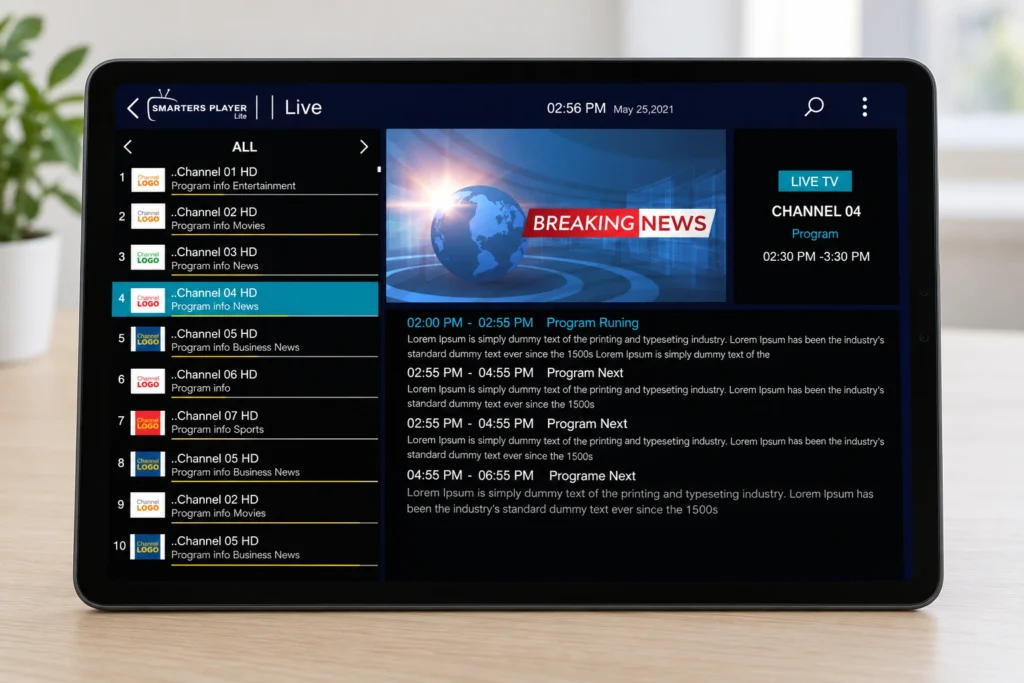
Browse programme schedules for supported channels.
Make a shortlist before your IPTV free trial starts. Pick two or three live channels, an on-demand title if available, and one programme you would like to find in the guide. Start there so your test reflects how you intend to watch.
On the IPTV Ireland free trial, try a short session first to check the controls and a longer one to check comfort and playback. If something fails, repeat it once before changing settings. Note whether the same thing happens every time or whether it was a single interruption.
If a channel or event is essential to you, check its availability during the trial before ordering.
Try several channels and switch between them to check playback on your connection.
Check picture detail, sound clarity and whether audio stays in sync.
Browse categories, use search and move between live TV and on-demand content.
Open the guide and check schedules for the channels you watch.
Choose your test device, message us to request your IPTV free trial, then add the access details we send. If you already have a compatible player, open it first and check that you can reach its sign-in or playlist screen.
The IPTV Ireland free trial starts at activation. If you want to watch at a particular time, tell us when you plan to test and check the times in your activation message. This helps you make the most of the 24-hour window.
Choose the screen you want to test and install a compatible IPTV player.
Message us on WhatsApp with your device model and IPTV player name. If you have not chosen a player, tell us which device you want to test and ask about compatible options.
Enter the access details we send you, then open a channel. Your 24 hours start at activation. Check the start and end times in your activation message.
One IPTV free trial per customer, for one device.
Pick the device you are most likely to use after the IPTV free trial. For a television, you might use an app installed on the TV itself or a separate streaming stick. Check which device actually runs the app, because that is the model name our team needs.
An IPTV trial Ireland viewers can use at home needs a compatible setup. Before requesting access, consider three things: whether an app is available for their device, whether that app supports the access details provided, and whether any separate licence cost fits their budget. Check compatibility before buying an app and ask for help if the listing is unclear.
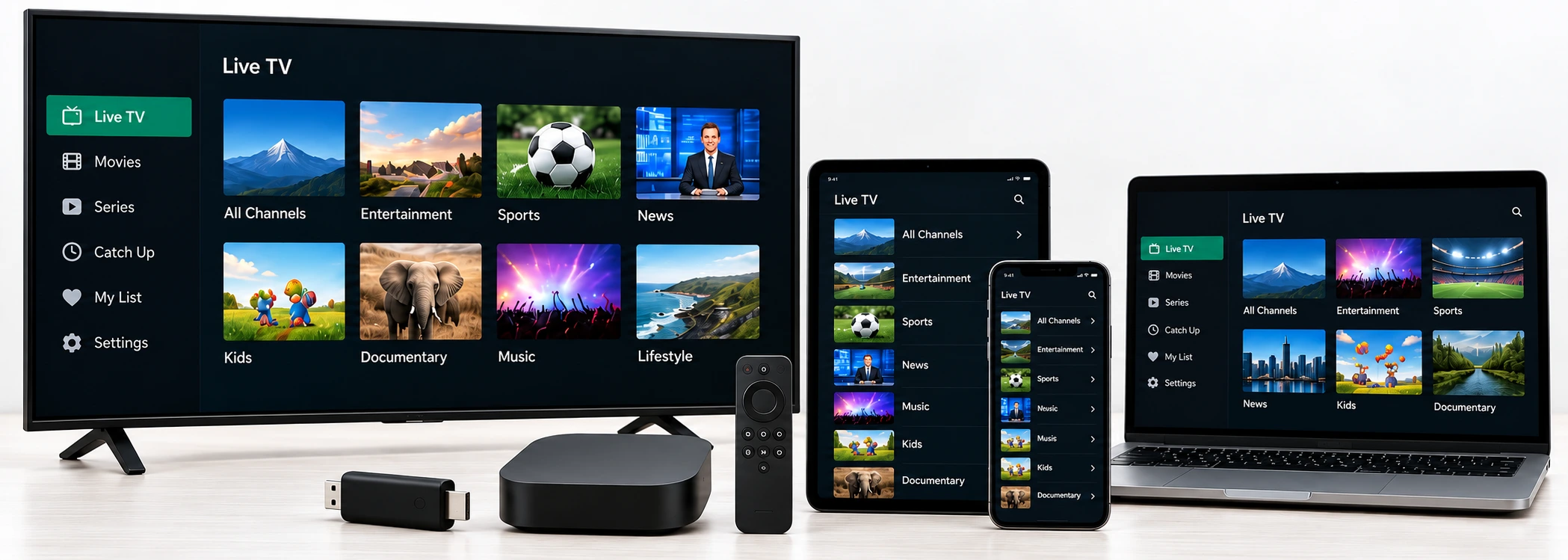
Samsung, LG and Android TV: choose a player supported by your TV model.
Fire TV Stick and Android TV boxes: install the player you want to test.
Android, iPhone and iPad: get your app and internet connection ready.
Windows and Mac: choose a player that supports your subscription access details.
The player app and your IPTV free trial access are separate. Some apps require a licence. Check the app’s terms and whether the licence applies to your chosen device.
Use the activation message as your reference for the IPTV free trial start and end times. Get your player ready first so you can spend more of the access window watching and checking playback.
If you request the IPTV Ireland free trial while away from home, make a note of the device you intend to use. When you are ready to test, open the app on that device and check that you can reach the login screen.
Your trial runs for 24 hours from activation.
Your activation message confirms when your trial starts and ends.
The IPTV free trial is for one device per customer. Choose the screen you most want to check.
Trial access covers the service. A paid player app may require a separate licence.
Our support team is available 24/7 during your IPTV free trial. Message us on WhatsApp if you need help with access, player setup or playback.
Before you message, note where you got stuck. An error while entering credentials calls for a different check from a channel that opens but keeps pausing. Tell us what happened and what you already tried so we can focus on the relevant step.
Get help entering your trial details in your IPTV player.
Find the right setup steps for your device and app.
Get help with channels, buffering, picture or sound.
Have your device model, player name and any error message ready so we can help faster.
Once you finish the IPTV free trial, decide whether the service suits your device, connection and viewing routine. If you want to continue, choose a paid subscription separately on WhatsApp.
When comparing plans after the IPTV Ireland free trial, count how many people will watch at the same time on separate screens. Then compare the total for your preferred duration. The test uses one device, while the paid plans let you choose the simultaneous device allowance that matches your household.
Simultaneous devices
Use these answers to prepare for your IPTV free trial, check the activation window and decide what to do when access ends.
Your IPTV free trial lasts 24 hours from activation. Your activation message confirms the start and end times. Reading that message is the easiest way to see how much time you have left when you sit down to watch.
Plan your first test for a time when the TV or other device is available. If you normally watch in the evening, try to include an evening session within the window. A second short session can also help you check whether a problem you encountered earlier keeps happening.
If you cannot find the activation message or are unsure about the timing, contact us on WhatsApp before assuming access is ready.
To request your IPTV free trial, open WhatsApp using the button on this page. Send your device model and the name of your IPTV player. We send the access details and explain how to add them to the compatible app you are using.
The IPTV trial Ireland customers request here is available once per customer and on one device. Pick the screen you want to evaluate before sending your request. If you have both a television app and a separate streaming stick, tell us which one you intend to use.
If you need help choosing a player, say so in the first message. Give us enough information about the device to suggest the relevant setup instructions.
You can use your IPTV free trial on one compatible device. That might be a smart TV, a streaming stick or box, a phone, a tablet or a computer. See our Compatible Devices page to check options for your model.
Try the largest screen you expect to use regularly if picture quality and remote navigation are important to you. If you mostly watch on a phone, use that phone instead so you can assess the player’s controls and audio on the device you know.
For the IPTV Ireland free trial, a compatible player still needs to be installed on the device you select. Check the app store on that device, especially if the TV is an older model.
It helps to have a compatible player installed before your IPTV free trial is activated. The player is the app that opens the service on your screen. Check that it accepts the account details or playlist format used for your setup.
A paid app licence is a separate decision. Some players charge for their own features, so check the developer’s terms and whether the licence applies to your device. If you are unsure, message us with the model and ask before paying.
On a computer, VLC from VideoLAN is one option for compatible streams. The right choice depends on your access format and which controls you want to test. Our setup guides can help you find the appropriate sign-in screen.
During your IPTV free trial, try live playback, on-demand content and the programme guide where available. Check that you can open a channel, switch channels and find the categories you want. Compare picture and sound on the screen you normally use.
The IPTV trial Ireland viewers can request here is a chance to check their own setup. If a particular programme, sport or channel matters to you, look for it during the trial and ask us if you cannot find it. Open the guide for a channel you know and see whether the schedule is useful.
If picture quality matters, check it during an ordinary viewing session on your own network. Resolution and playback can vary depending on the source, screen, player and connection.
Check your activation message to see when your IPTV free trial access ends. If you are happy with your test and want to continue, visit our Subscription Plans page and message us on WhatsApp to order a paid plan separately.
Before deciding, think back to the channels you checked, how the player felt to use and whether playback worked on your usual connection. If one issue is still unresolved, share your notes with support so you know what to expect before you pay.
Use the trial results to decide which device you will use most often and whether you need more than one screen streaming at once on a paid plan.
If your IPTV free trial does not play, first check that the device is online and that you entered the access details in the fields your player expects. If the app accepts the details but a channel stays blank, try another channel to see whether the issue affects more than one stream.
If playback keeps pausing, note the time and whether it happens only on live TV or also on an on-demand title. Test another internet activity on that device. If possible, move nearer the router or try a wired connection on the same device. Make one change at a time so you can tell what helped.
Our 24/7 team can help you investigate. Include your device model, player name, any error message, and which channels or titles you tested. Leave access credentials out of screenshots.
After the IPTV free trial, compare subscription plans for 3, 6, 12 or 24 months and 1, 2 or 3 simultaneous devices. The number of simultaneous devices is how many screens can stream at the same time.
Think about a typical evening. Two people watching one television use one stream. If someone starts a separate stream on a tablet at the same time, count two. Once you know the number of streams you need, compare the full prices in the relevant tab.
The IPTV trial Ireland customers can request is limited to one device. If it worked well on your chosen screen, use that setup as your starting point. Check compatibility for any additional devices you would use on the paid plan before ordering.
For your IPTV free trial request, include the device brand and exact model where possible. If you will use a streaming stick plugged into a television, give us the stick model. If you watch through an app installed directly on the television, give us the TV model.
Add the player’s exact name as it appears on your device. If there are several versions of the same app, include the one you installed. If the player is not installed yet, say so and ask which options may work for your setup.
Keep the WhatsApp message focused on your viewing setup and any questions you have. You do not need to share app-store passwords or send screenshots containing login credentials.
Start the IPTV free trial with a quick sign-in and a few minutes of playback. Once the first channel opens, make sure you can change channels, turn the volume up or down and return to the channel list without getting lost in the app.
Later, spend time on a longer session. Try a few things you normally watch, including an on-demand title if available. Check whether sound stays in sync and whether the programme guide is easy to use with your usual remote or controls.
Make a short note of what worked and what you would like to ask support. The IPTV Ireland free trial is useful when it reflects your routine, so finish by deciding whether the setup would work for your household on an ordinary day.
Request your 24-hour IPTV free trial on WhatsApp. Check playback on the device you plan to use, then decide whether a subscription suits you.
Have your device model and IPTV player name ready. One trial per customer, on one device.
Explore IPTV Ireland Fast with a free 24-hour trial. Compare subscription plans for 3, 6, 12 or 24 months, and find setup guides for compatible devices.
© 2026 IPTV Ireland Fast. All rights reserved.