
Looking for IPTV contact details? Reach IPTV Ireland Fast by WhatsApp or email for help with plans, free trials and existing subscriptions. For IPTV support with your setup, tell us your device model, player name and what you need help with.

Choose the topic that matches your enquiry so we can understand what you need.

Ask about subscription durations, simultaneous devices or renewing your plan.
See the subscription plans before contacting us. Tell us which duration you are considering and how many screens you want to use at the same time. If you have an existing order, say which plan you chose and what you need help with. Renewal is manual. If you want to continue, contact us with your preferred duration and screen allowance. Confirm the current price and activation arrangements with our team before you pay.
Request a free 24-hour trial for one device.
See the free trial page for details. To request your trial, send us your exact device model and the name of the player you plan to use. We offer one trial per customer, on one device. If you have yet to choose an app, ask about the options for your device before buying a player licence. Confirm activation timing with our team, then test the picture, sound and controls on the connection you normally use.
Send your device model, player name and a description of the issue.
For IPTV technical support, start with the point where the issue occurs, such as signing in, loading channels or playing a stream. If playback is affected, tell us whether it happens on one channel or several. Use the checklist below to prepare your message.
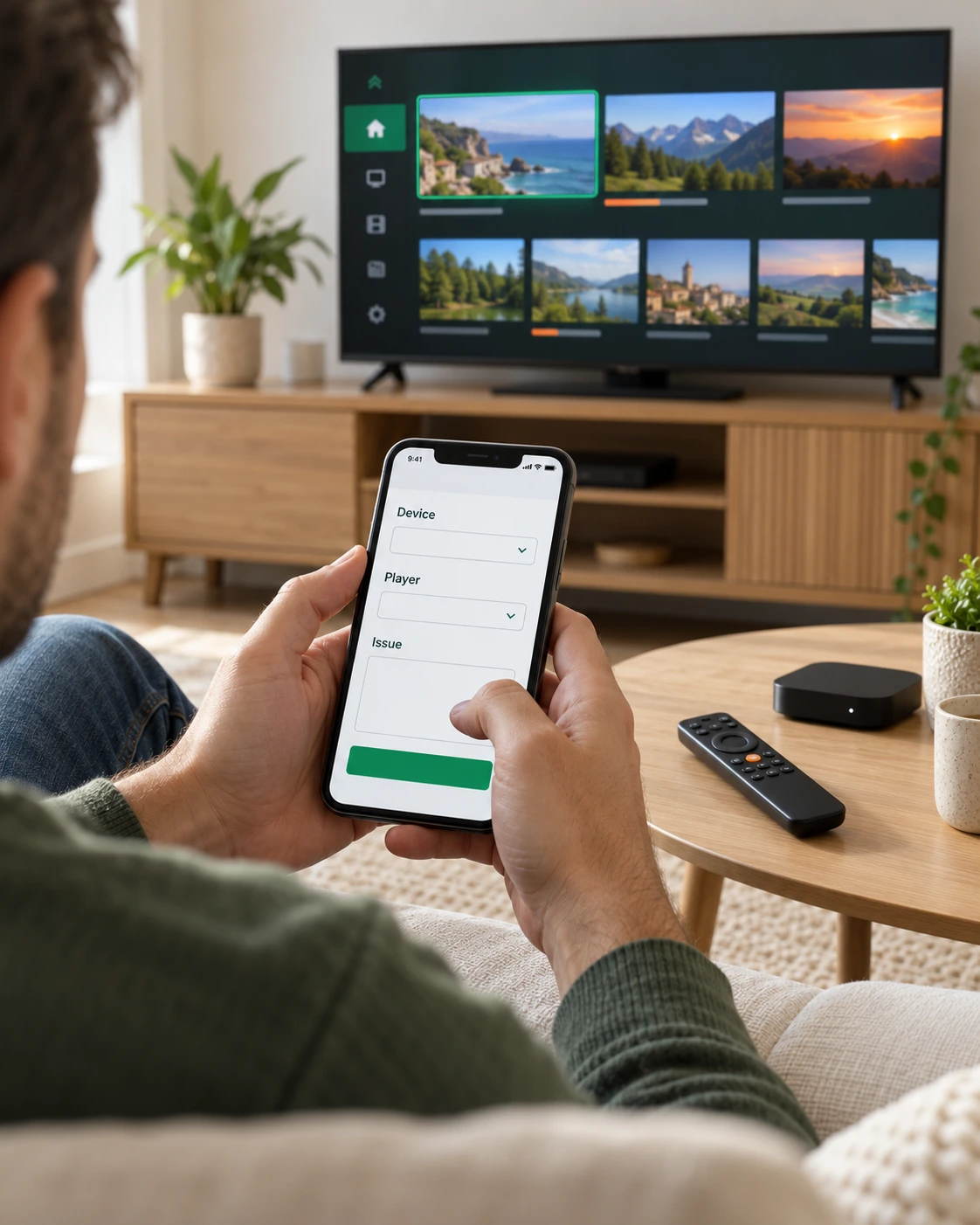
Have these details ready so our team can understand your setup and the issue. Keep your enquiry in one conversation where possible so our team can follow the checks already completed. If you send a screenshot, crop it to the relevant error and hide any account credentials or private information. Our IPTV contact channels are intended for questions about IPTV Ireland Fast. If the problem concerns a separate player purchase or app-store payment, you may also need help from that app’s developer.
Device model
Include the brand and exact model.
Player name
Tell us which app you use.
Issue details
Explain what happens, when it started and whether one or several channels are affected.
Error message
Copy the message or attach a screenshot.
Checks already tried
List the steps you have tested.
Hide passwords, access links and payment details in screenshots.
Explore answers, setup instructions and device information before contacting our team. You can use these resources before opening a support request or while waiting for guidance. The FAQ explains common service questions, the Setup Guides cover installation, and Compatible Devices helps you check your screen and player options. If your question remains unanswered, return to the IPTV contact details at the top of this page and tell us which guide you followed and where you became stuck.
Answers about plans, trials, channels and the service.
Follow installation steps for your device and player.
Check supported screens and available player options.
Explore IPTV Ireland Fast with a free 24-hour trial. Compare subscription plans for 3, 6, 12 or 24 months, and find setup guides for compatible devices.
© 2026 IPTV Ireland Fast. All rights reserved.