IPTV Apps
Best IPTV Player for LG TV: 7 Practical Checks Before You Choose
Compare LG TV player options by model, supplied input and everyday remote tasks, then check playback and purchase terms before choosing.
Read guide
IPTV IRELAND FAST BLOG
Practical guides to players, devices and everyday viewing. Find clear setup advice and checks for common IPTV problems.
Compare LG TV player options by model, supplied input and everyday remote tasks, then check playback and purchase terms before choosing.
Read guide
Choose a Samsung TV player by checking your model, app availability, supplied login and everyday remote tasks before paying for activation.
Read guide
Compare documented iPad player options by compatibility, supplied input, touch navigation and multitasking, then test the tasks you need before buying extras.
Read guide
Match your supplied source to a desktop player, separate Windows and Mac controls, and test picture, sound and viewing allowance before a longer session.
Read guide
Set up an authorised IPTV source on an Android phone, distinguish playlist and account inputs, test picture and sound, and keep mobile data use in view.
Read guide
Compare documented Apple TV player options, confirm compatibility and test your own playlist, remote controls and guide before buying extra features.
Read guide
Decide whether a player upgrade fits your viewing needs. Check the current offer, separate app features from content access and avoid paying twice.
Read guide
Learn which account details your player needs, how to enter them correctly and what to check when login, channel lists or playback fail.
Read guide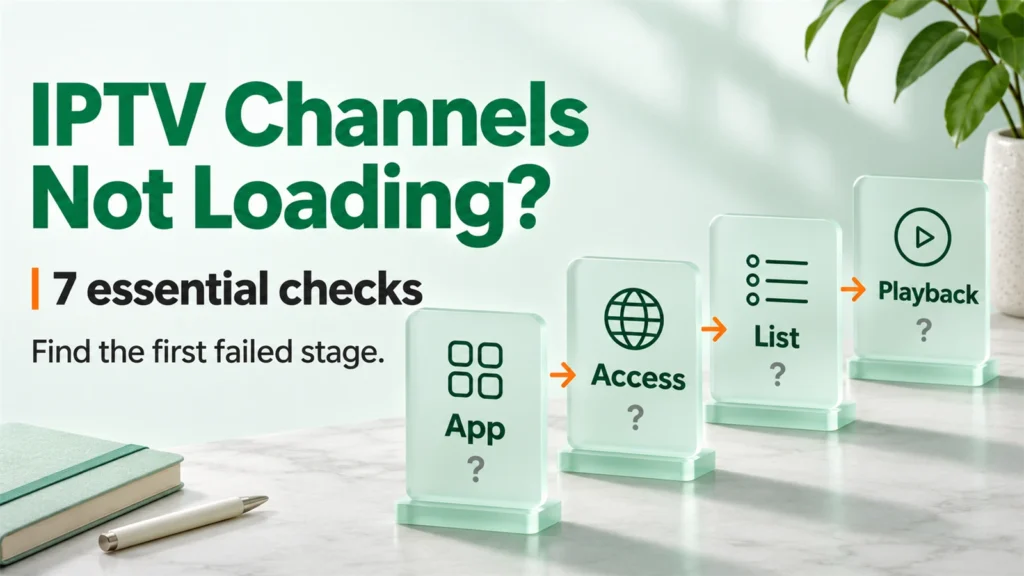
Work out whether the problem starts with your channel list, account access or playback, then use controlled checks before changing settings or contacting support.
Read guide
Learn what makes a past programme playable, how catch-up differs from pausing or recording, and which checks help when replay is missing or fails.
Read guide