
Skip to content
IPTV Ireland Fast
  • Home
  • Plans
  • Free Trial
  • Channels
  • Setup Guides
  • Blog
IPTV Ireland Fast
Get Free Trial

Category: IPTV Setup

How to Watch IPTV on a Laptop: 7 Practical Checks
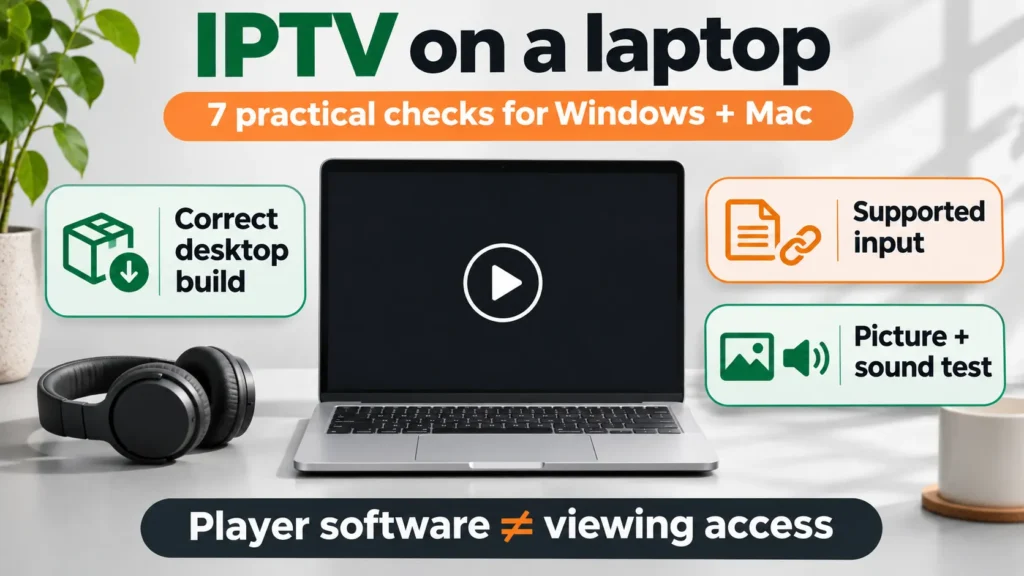
IPTV on a laptop setup with separate checks for desktop compatibility, supplied input and picture and sound.

Match your supplied source to a desktop player, separate Windows and Mac controls, and test picture, sound and viewing allowance before a longer session.

How to Watch IPTV on Android Phone: 7 Practical Checks
Guide to how to watch IPTV on Android phone, with a landscape video and input, touch and data reminders.

Set up an authorised IPTV source on an Android phone, distinguish playlist and account inputs, test picture and sound, and keep mobile data use in view.

Xtream Codes Explained: 7 Essential Setup Checks

Confirm the supplied account method, protect the Xtream Codes details and test playback separately.

Learn which account details your player needs, how to enter them correctly and what to check when login, channel lists or playback fail.

IPTV M3U Playlist: 7 Essential Setup and Troubleshooting Checks
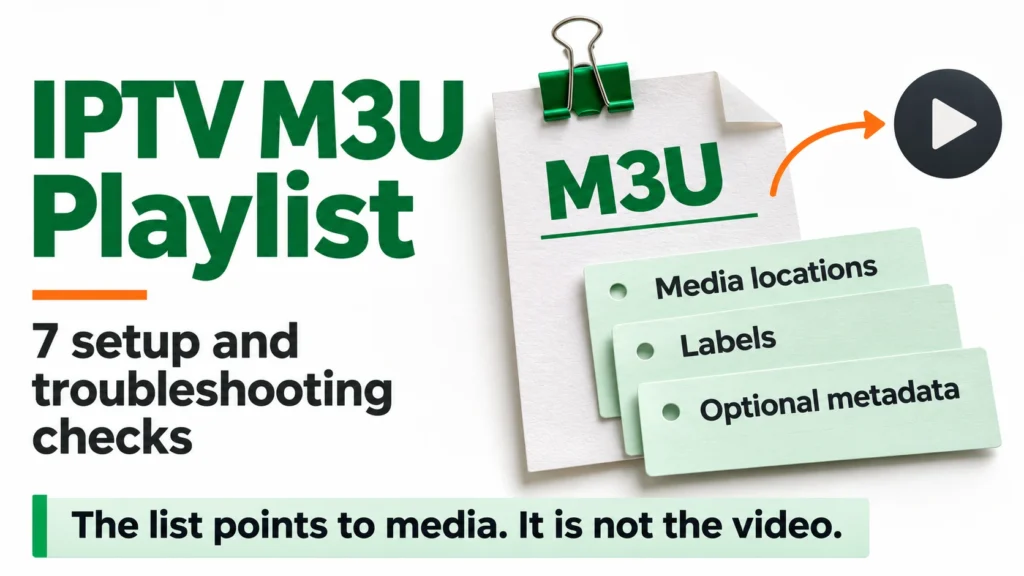
IPTV M3U playlist cover showing a document with media-location, label and optional-metadata cards beside a play symbol.

Understand the difference between a playlist file, a playlist URL and guide data, then follow seven checks to load your supplied access and investigate failures.

How to Install IPTV on Firestick: 7 Essential Setup Checks
HDMI streaming stick and remote beside the headline “How to Install IPTV on Firestick”

Check your Fire TV Stick model, find a compatible player and add supported service access, with practical tests for picture, sound and guide data.

How to Get IPTV on a Smart TV: 7 Essential Setup Checks
A featured banner for "How to Get IPTV on a Smart TV" showing a contemporary living room with a Smart TV playing a nature landscape, a router, a streaming device, and a remote control on the console

Identify your television platform, find a supported player and test your supplied access, with separate setup guidance for Samsung, LG and Google TV.

Can I Use IPTV on Multiple Devices? 7 Essential Checks
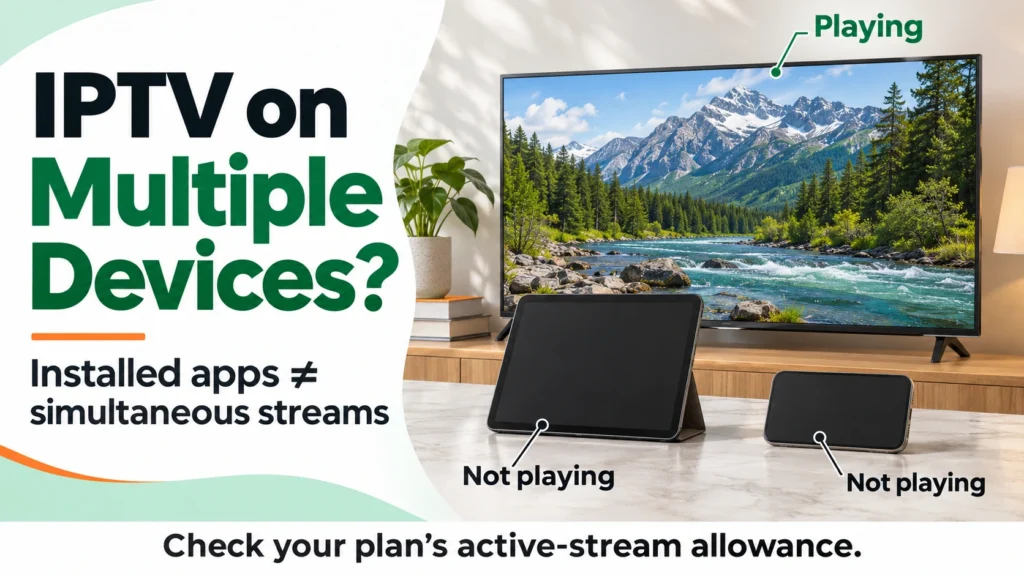
Can I use IPTV on multiple devices illustration showing one television playing while a tablet and phone are not playing.

Understand the difference between installing a player on several devices and watching at the same time, with practical checks for your plan, apps and connection.

Can You Record IPTV? 7 Practical Checks Before You Start
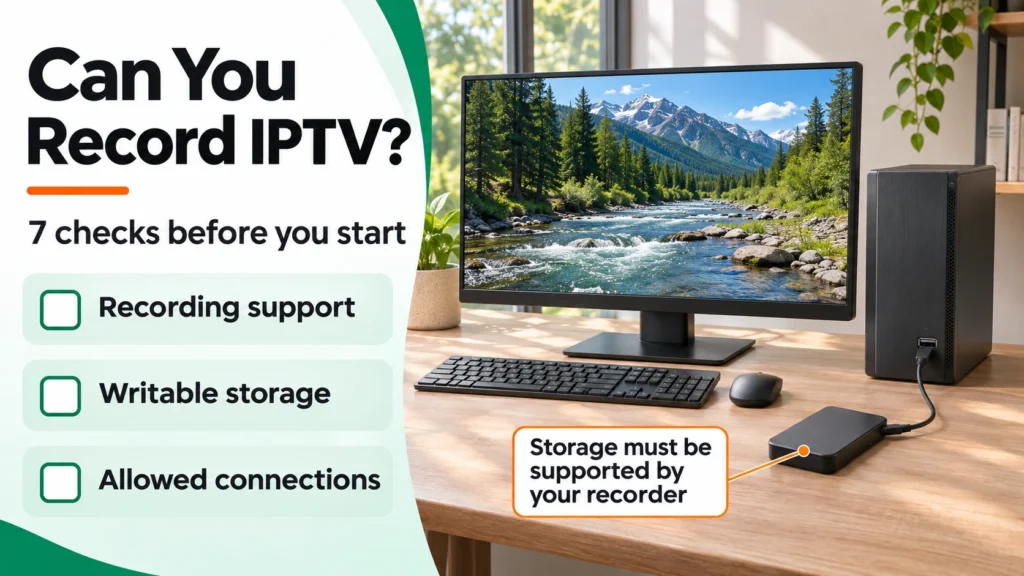
Can you record IPTV checklist showing recording support, writable storage and allowed connections.

Check whether your player and device can save IPTV programmes, estimate storage needs and test scheduled recordings without confusing them with catch-up.

How to Get EPG on IPTV: Setup and Common Problems
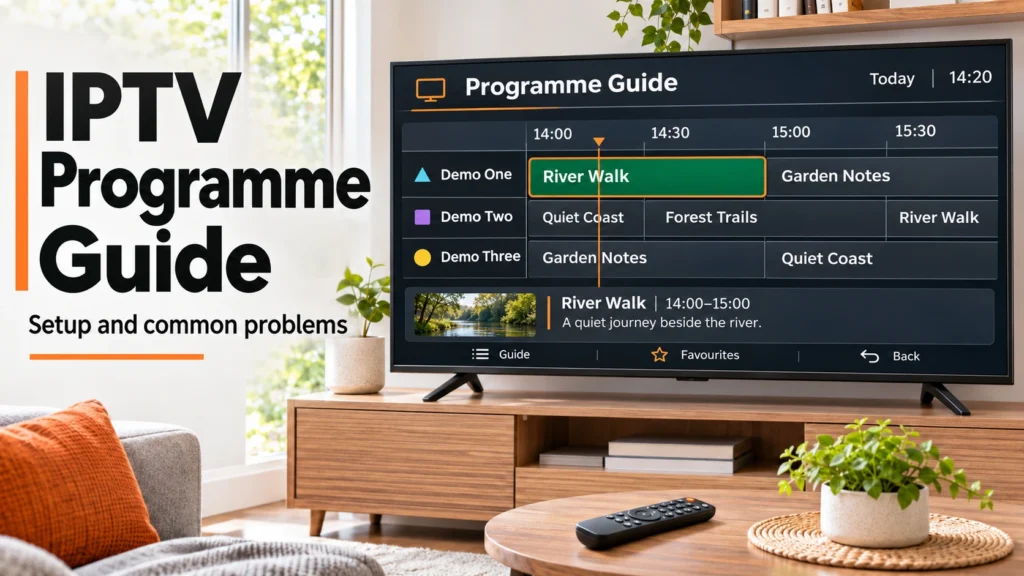
How to get EPG on IPTV illustrated with a television programme guide and remote.

Set up a compatible programme guide and investigate missing listings, mismatched channels or incorrect times without changing unrelated playback settings.

IPTV Ireland Fast

Explore IPTV Ireland Fast with a free 24-hour trial. Compare subscription plans for 3, 6, 12 or 24 months, and find setup guides for compatible devices.

Plans & Trial

  • Subscription Plans
  • Free 24-Hour Trial
  • Channel List
  • Compatible Devices

Help & Support

  • Setup Guides
  • FAQs
  • Contact Us
  • About Us
  • Blog

Policies

  • Privacy Policy
  • Terms & Conditions
  • Refund Policy
  • Cookie Policy

© 2026 IPTV Ireland Fast. All rights reserved.

Manage Consent
To provide the best experiences, we use technologies like cookies to store and/or access device information. Consenting to these technologies will allow us to process data such as browsing behavior or unique IDs on this site. Not consenting or withdrawing consent, may adversely affect certain features and functions.
Functional Always active
The technical storage or access is strictly necessary for the legitimate purpose of enabling the use of a specific service explicitly requested by the subscriber or user, or for the sole purpose of carrying out the transmission of a communication over an electronic communications network.
Preferences
The technical storage or access is necessary for the legitimate purpose of storing preferences that are not requested by the subscriber or user.
Statistics
The technical storage or access that is used exclusively for statistical purposes. The technical storage or access that is used exclusively for anonymous statistical purposes. Without a subpoena, voluntary compliance on the part of your Internet Service Provider, or additional records from a third party, information stored or retrieved for this purpose alone cannot usually be used to identify you.
Marketing
The technical storage or access is required to create user profiles to send advertising, or to track the user on a website or across several websites for similar marketing purposes.
  • Manage options
  • Manage services
  • Manage {vendor_count} vendors
  • Read more about these purposes
View preferences
  • {title}
  • {title}
  • {title}